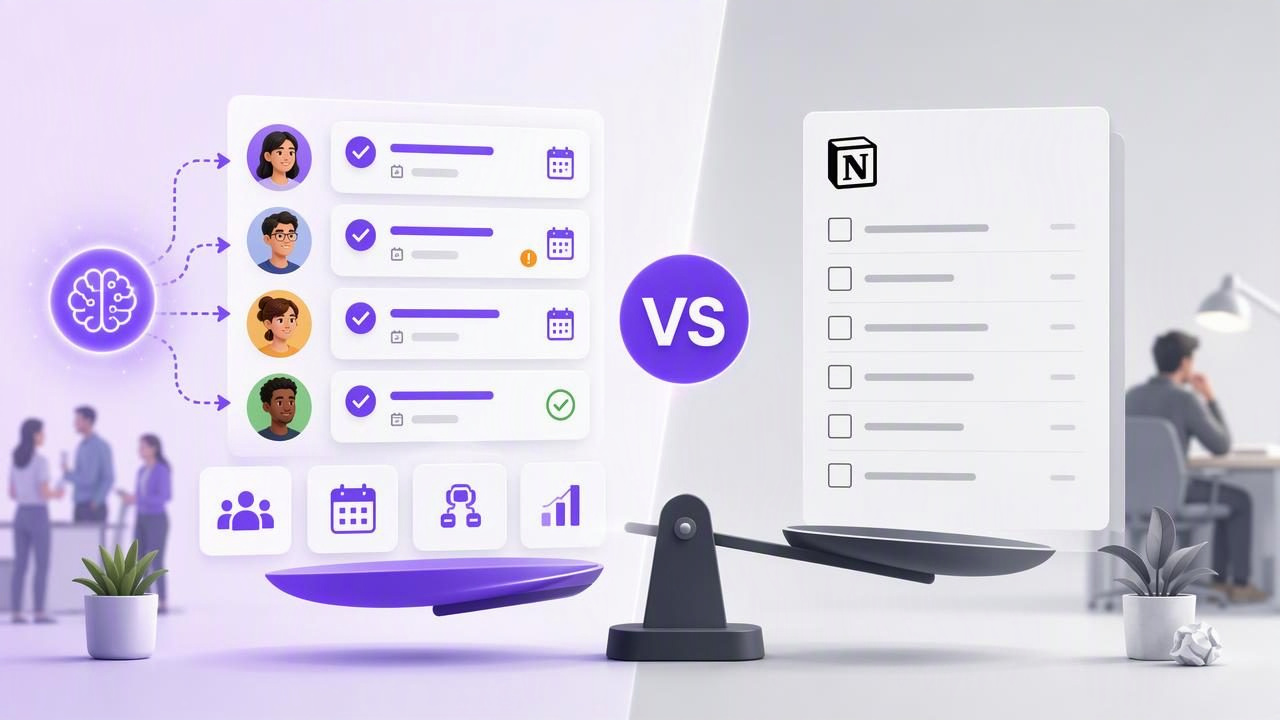
Choosing between a dedicated task delegation app and Notion task lists often comes down to one question: do you need a workspace for documenting work, or a system for reliably getting work done?
Both approaches can support projects, assignments, notes, and collaboration. But they serve different daily habits. Notion task lists can be useful when tasks live beside meeting notes, research, product specifications, and knowledge bases. A task delegation app is usually built around immediate execution: identifying the next action, assigning ownership, setting a due date, and reviewing what is overdue or complete.
The difference becomes more important when work moves quickly, responsibilities change hands, or AI agents participate in planning and task creation. This guide compares a task delegation app vs Notion task lists in practical terms, including a concrete delegation example, key limitations, and criteria for choosing the right setup.
What Is a Task Delegation App?
A task delegation app is a system designed to turn work into clear, accountable actions. The typical unit of work is a task with details such as:
- A specific action and clear outcome
- An owner or responsible person
- A due date or scheduling context
- A priority level
- Subtasks for multi-step work
- Notes, links, or supporting context
- A status that shows whether the task is open, in progress, blocked, or complete
Its main purpose is not simply to store a list. It is to reduce ambiguity around who will do what next. Dedicated task tools generally prioritize reminders, due-date views, daily planning, quick capture, recurring work, and easy completion across devices.
For individuals, this can mean fewer forgotten follow-ups. For teams, it can create a clearer handoff process. For human and AI agent collaboration, it can provide a structured shared source of truth rather than leaving instructions scattered across chat threads and documents.
What Are Notion Task Lists Best For?
Notion task lists are commonly built as databases, pages, templates, or linked views. This flexibility is a major advantage when a task needs to sit inside a larger body of information. For example, a content team may keep campaign briefs, editorial calendars, research, meeting notes, and publication tasks in related databases.
That makes Notion especially useful for work where the documentation is as important as the checklist. A task can link to a project page, reference decisions from a meeting, and appear in multiple filtered views. Teams can create custom properties and tailor their workspace to a unique process.
However, flexibility also introduces setup and maintenance work. A task system built from databases needs consistent conventions. Someone must decide which properties are required, what each status means, how overdue items are handled, and which view is the operational source of truth. Without those decisions, a polished workspace can become a place where tasks are recorded but not actively completed.
Task Delegation App vs Notion Task Lists: Side-by-Side Comparison
| Decision factor | Task delegation app | Notion task lists |
|---|---|---|
| Primary strength | Daily execution, accountability, and follow-through | Flexible documentation and customizable project context |
| Task capture | Usually optimized for fast entry and immediate scheduling | Often depends on a chosen database, template, or workspace structure |
| Due dates and reminders | Typically central to the daily workflow | Possible, but the experience depends on how the database is configured |
| Project documentation | Usually concise task notes and attachments | Strong for long-form pages, wikis, research, and reference material |
| Delegation clarity | Focused on owner, status, priority, and deadlines | Can be strong, but requires consistent properties and views |
| Daily planning | Built for deciding what to do today | Can support planning, though it may require more navigation |
| AI task workflows | Best when agents need structured, controlled task access | Useful for research and drafting context, subject to workspace design |
The Practical Difference: Execution Versus Information Architecture
The simplest way to compare these tools is to separate information architecture from execution architecture.
Information architecture answers questions such as: Where do we store the brief? Which project does this work relate to? What did we decide in last week’s planning meeting? How do related documents connect?
Execution architecture answers another set of questions: What must happen today? Who owns it? Is it urgent? What is blocked? What can be delegated? What should be reviewed before close of day?
Notion task lists can handle both, particularly for teams willing to build and maintain a robust workspace. But a dedicated task delegation app usually places execution first. That distinction matters if people regularly overlook tasks because they are hidden among documents, databases, and broad project pages.
A Concrete Delegation Example
Imagine a marketing manager preparing a product announcement. The work includes finalizing copy, collecting screenshots, reviewing legal language, scheduling a launch email, and publishing a support article.
In a Notion-based process, the manager might create a launch page with a task database. This can work well because the campaign brief, messaging, research, and drafts can all live together. The manager can make filtered views for each contributor and add properties such as “owner,” “stage,” and “publish date.”
The limitation appears during daily execution. If a contributor must find the right workspace, open the correct database view, interpret the status conventions, and locate their highest-priority item, the process adds friction. The system may remain comprehensive while still being slow for quick action.
In a task delegation app, the manager could create the following operational list:
Launch announcement

[High] Finalize landing page copy — Owner: Maya — Due: Tuesday
[High] Capture updated product screenshots — Owner: Daniel — Due: Tuesday
[High] Review legal language — Owner: Priya — Due: Wednesday
[Medium] Schedule launch email — Owner: Maya — Due: Thursday
[Medium] Publish support article — Owner: Daniel — Due: Thursday
Each task contains the next action, an owner, priority, and due date. Supporting links can still point to the brief or documentation elsewhere. The manager’s daily review is faster: identify blocked items, clarify ownership, adjust dates, and mark completed work. The goal is not to replace every document with a task. It is to keep actionable commitments visible.
How AI Changes the Task Delegation Decision
AI adds a new consideration to task management: an agent may help turn unstructured information into tasks, update a plan after a meeting, or prepare draft subtasks for review. That can be useful, but it also makes access control important.
An AI agent should receive only the permissions it actually needs. For example, an agent that summarizes project notes may only need read access. An agent that creates draft follow-up tasks may need permission to write tasks, but a human should still review the result before treating it as a commitment. AI-generated tasks can contain missing context, incorrect assumptions, vague owners, or unrealistic due dates.
Use a simple review rule: every task created by an agent should be checked for four fields before it becomes active:
- Action: Is the task phrased as a concrete next step?
- Owner: Does a person or accountable role own it?
- Timing: Is the due date realistic and meaningful?
- Context: Does the note include the decision, link, or requirement needed to complete it?
This human review step protects against automation that creates volume without clarity. It also prevents an agent from silently reshaping priorities just because it has access to a task system.
When a Notion Task List Is the Better Choice
Choose Notion task lists when the work is deeply connected to extensive documentation and your team benefits from custom databases. It can be a strong fit if:
- Your projects require detailed specs, research, and decision logs in the same workspace.
- You have someone responsible for maintaining templates and database conventions.
- Your team is comfortable with customized views, properties, and linked records.
- The task list is one component of a broader knowledge management system.
- Your process is more project-centric than deadline-centric.
The key is discipline. Define a small set of required properties, establish one meaning for each status, and create a single daily view that makes urgent work obvious. Avoid adding fields merely because they are available.
When a Task Delegation App Is the Better Choice
Choose a dedicated task delegation app when execution is the priority. It is often the better option if:
- You need a dependable daily list with reminders, priorities, and due dates.
- Tasks are frequently assigned, reassigned, completed, or reviewed.
- You want quick capture on iPhone, iPad, and Mac.
- Your team needs clear handoffs without navigating a large workspace.
- You are coordinating human work with AI-assisted planning or task creation.
- You want tasks to remain simple enough to review in a few minutes each day.
A dedicated tool also helps prevent “task inflation,” where every note, idea, and project label becomes a task. A useful task should represent an action that someone can complete or advance.
Important Limitations of Both Approaches
No tool can solve unclear leadership, unrealistic deadlines, or missing decisions. A task app will not help if tasks lack owners. A Notion database will not help if nobody reviews it. AI assistance will not help if agents are given broad permissions without review.
Also, avoid treating a filtered list as a security boundary. A view can improve focus, but it does not automatically limit what an authorized person or agent can access. If AI agents connect to your task system, use separate revocable credentials, select the minimum available permission level, and remove access when a workflow ends.
For example, TaskPort’s agent permission documentation explains account-scoped tokens with Read Only or Read & Write choices; a list_id filter is useful for narrowing a workflow but is not an authorization boundary. That distinction is essential when designing secure AI task delegation.
Final Decision: Start With the Work You Need to Finish
In the task delegation app vs Notion task lists comparison, neither option wins universally. Notion is often stronger for organizing complex knowledge around projects. A dedicated task delegation app is often stronger for making the next action, owner, priority, and deadline impossible to miss.
If your biggest challenge is finding information, build a well-structured workspace. If your biggest challenge is completing commitments on time, use a focused task system. Many people use both: documentation in one place and a concise, actively reviewed task list for execution.
Whichever approach you choose, keep the operating rules simple: one owner per task, clear action language, realistic due dates, visible priorities, and a regular review. Those habits—not the number of databases or automations—are what make delegation work.
