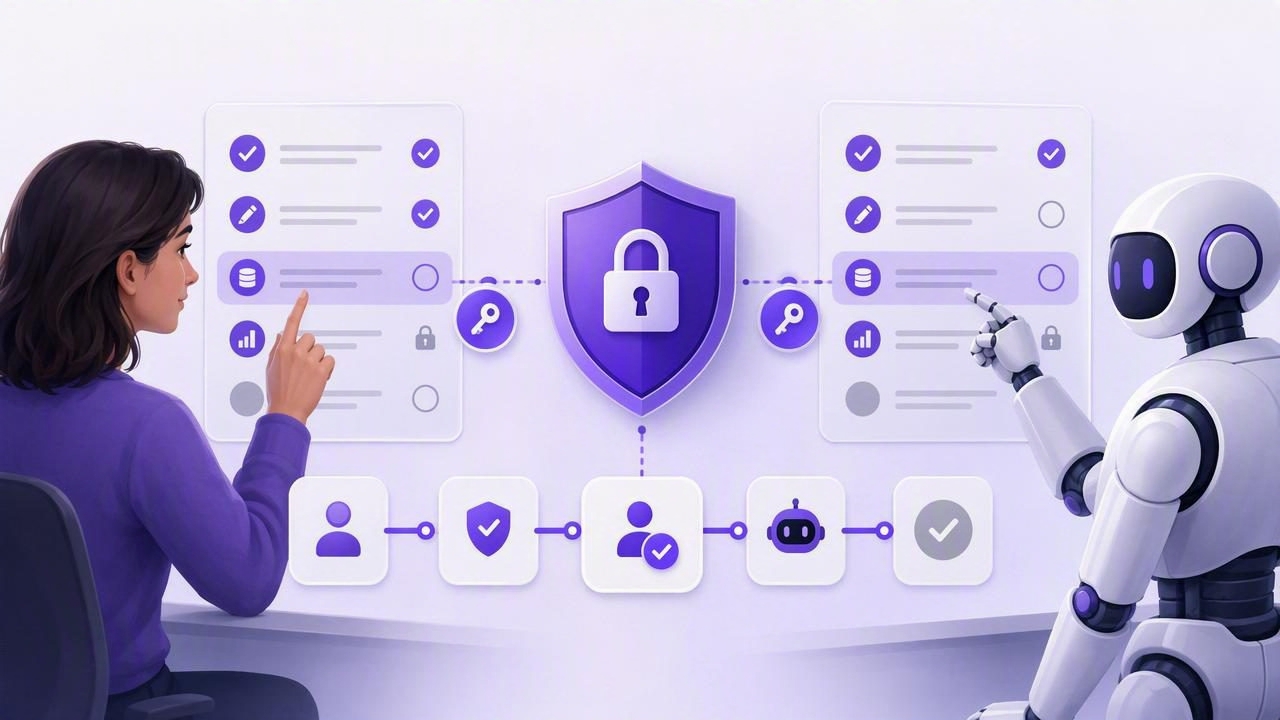
Stronger Least-Privilege Security for Shared Human-Agent Tasks

Published Sep 7, 2026

Learn how to secure a shared human-agent task list with least-privilege access, scoped tokens, approvals, and clear task workflows.

Stronger Least-Privilege Security for Shared Human-Agent Tasks

AI agents can now help people plan work, create reminders, update projects, summarize notes, and follow up on routine tasks. But as soon as an agent connects to a task manager, an important question appears: how much access should that agent receive?

A shared human-agent task list can make daily planning faster and more reliable, but it should not give every connected tool unrestricted control over every task. The safest approach is least-privilege security: give each person or agent only the minimum access needed to complete a specific job, for a specific area, for a limited period.

This guide explains how to get stronger least-privilege security with a shared human-agent task list. You will learn how to structure lists, define permissions, use revocable tokens, build approval workflows, and review agent activity without slowing down productive collaboration.

What Is Least-Privilege Security in AI Task Management?

Least privilege is a security principle that limits access to only what is necessary. In a traditional workplace, that might mean a contractor can access one project folder but not finance documents. In AI task management, it means an agent should be able to read or edit only the tasks, lists, notes, and fields required for its assigned workflow.

For example, an agent helping prepare a weekly meeting should not automatically have permission to:

  • Read personal tasks in a private list.
  • Change high-priority deadlines across the company.
  • Delete completed work or task history.
  • Create tasks in unrelated client or household lists.
  • Access a workspace indefinitely after the project ends.

Instead, it might receive read-only access to a single “Weekly Planning” list, or read-and-write access to an “Agent Inbox” list where it can draft tasks for human review.

The goal is not to make agents powerless. The goal is to make their authority specific, visible, and easy to withdraw.

Why Shared Human-Agent Task Lists Need Stronger Controls

Simple to-do lists were originally designed for one person. A task was created, checked off, postponed, or deleted by the list owner. Shared task systems add more complexity because multiple humans may work from the same source of truth. Adding AI agents introduces another layer: actions can happen quickly, programmatically, and across multiple connected workflows.

Without strong controls, a broadly authorized agent could unintentionally create duplicate reminders, move urgent tasks to the wrong list, alter priorities, or expose sensitive task notes. Even a well-designed agent can make mistakes when prompts are ambiguous, its instructions change, or it encounters incomplete information.

Least-privilege permissions reduce the impact of those mistakes. They also make task delegation easier to audit. When each agent has a narrow role, people can answer clear questions such as:

  • Which agent created this task?
  • Why could it access this list?
  • What permission level did it have?
  • Can its access be revoked immediately?
  • Did a human approve the final change?

These questions matter for freelancers, families, teams, executives, and anyone who combines iPhone, iPad, and Mac productivity workflows with AI assistance.

Start With Clear List Boundaries

Strong permissions begin with a clean task structure. If all personal, work, client, and administrative tasks live in one giant list, it is difficult to grant limited access safely. Separate lists make it possible to give an agent a useful but narrow working area.

A practical list structure

ListSuggested Agent AccessExample Use
PersonalNo accessHealth, family, private reminders
Work PrioritiesRead-onlyDaily briefings and planning summaries
Agent InboxRead and writeDrafted tasks awaiting review
Project AlphaScoped read and writeProject-specific follow-ups
Completed ArchiveRead-only or no accessReporting without deletion risk

An Agent Inbox is especially useful. Instead of allowing an agent to add tasks directly to a critical daily plan, let it create proposed tasks in a separate list. A person can then review, edit, prioritize, and move approved items into the right destination.

This creates a simple human approval checkpoint without forcing people to manually retype every suggestion.

Use Permission Levels That Match the Job

Not every agent needs editing access. Many valuable agent workflows only require the ability to inspect tasks and provide recommendations. Start with the lowest permission level, then increase access only when there is a clear operational reason.

Read-only access

Read-only permission is appropriate when an agent needs context but should not change the source of truth. It can review due dates, priorities, notes, and task status, then return a suggested plan in conversation or a report.

Typical read-only workflows include:

  • Creating a morning summary of due and overdue tasks.
  • Identifying tasks with no due date or owner.
  • Finding high-priority work that may be at risk.
  • Drafting a weekly review based on completed tasks.
  • Suggesting which tasks to defer based on workload.

Read-and-write access

Read-and-write access is useful when an agent must create or update tasks as part of a repeatable workflow. For example, an agent may turn meeting notes into tasks, add subtasks to a project template, or mark an automatically verified item complete.

However, write access should still be constrained by scope. An agent that can update “Project Alpha” should not automatically be able to modify “Personal,” “Finance,” or “Executive Priorities.”

Approval-required workflows

For high-impact actions, use a workflow where the agent prepares changes but a human executes or confirms them. This is helpful for changing deadlines, escalating priorities, deleting tasks, or reassigning responsibilities.

A useful rule is: agents can draft; humans approve consequential changes.

Issue Separate, Revocable Tokens for Each Agent

A shared token is convenient, but it is difficult to manage securely. If several agents use the same credential, you cannot easily determine which one performed an action. You also cannot revoke one agent’s access without interrupting every other connected workflow.

Instead, issue a distinct access token for each agent, integration, or automation. In MCP task managers, these tokens can define what a compatible agent is allowed to do through the Model Context Protocol connection.

Each token should have a clear purpose. Use a descriptive naming format such as:

agent: weekly-planning-assistant
scope: Work Priorities (read-only)
owner: Operations
review: monthly

This simple documentation helps maintain accountability as your agent workflows grow.

Token hygiene checklist

  1. Create one token per agent or workflow. Never reuse a single powerful token for convenience.
  2. Choose the narrowest permission level. Prefer read-only when the workflow only needs task visibility.
  3. Limit list scope. Authorize only the relevant project or inbox.
  4. Review tokens regularly. Remove access for abandoned experiments and inactive automations.
  5. Revoke immediately when needed. If an agent behaves unexpectedly, disable its token before investigating further.
  6. Avoid placing tokens in prompts or shared documents. Treat them like passwords.

Revocability is critical. A secure system assumes that permissions may need to change. Projects end, roles evolve, tools are replaced, and an agent may no longer need the access it once had.

Build Human Approval Into Daily Planning

Human oversight does not need to be a bottleneck. The best approval workflows are lightweight and focused on the actions that carry meaningful risk.

For example, an agent can review yesterday’s notes, identify action items, and add proposed tasks to an inbox. During a morning planning session, a person reviews the suggestions, adds due dates, sets priorities, and moves the valid tasks into a daily plan.

This model preserves the benefits of automation while keeping human judgment in control of commitments.

Example: a secure meeting follow-up workflow

  1. A human saves meeting notes in an approved location.
  2. An agent reads the notes and creates proposed follow-up tasks in an Agent Inbox.
  3. The agent adds supporting context in task notes but does not assign final priorities.
  4. A manager reviews the tasks, adjusts due dates, and moves approved items to the project list.
  5. The agent later receives read-only access to report on progress.

Notice how the agent’s permissions can change by stage. It may have write access for drafting, while later reporting requires only read-only access.

Keep Task Data Minimal and Purposeful

Least privilege also applies to the information inside tasks. Before granting an agent access, consider whether task titles, notes, attachments, or subtasks contain unnecessary sensitive information. A task list may reveal client names, health details, internal plans, travel schedules, credentials, or personal routines.

Use clear but minimal task descriptions where possible. Put highly sensitive content in a separate protected system, and link to it only when appropriate. If an agent does not need a note to complete its task, do not include that note in its authorized scope.

It also helps to separate operational details from private context. For instance, “Send proposal draft by Thursday” may be enough for a planning agent; it does not need confidential pricing strategy or a full client negotiation history.

Review Activity and Fix Permission Drift

Permissions often become broader over time. Someone grants write access for a short pilot, the project changes, and nobody returns to tighten the scope. This is known as permission drift, and it weakens a once-secure setup.

Create a simple recurring review process for shared human-agent task lists. Monthly is a reasonable starting point for many individuals and small teams; high-risk workflows may need more frequent checks.

  • List every active agent and token.
  • Confirm the owner and intended business purpose.
  • Check whether list scope is still necessary.
  • Downgrade write access to read-only where possible.
  • Revoke tokens for completed projects or unused tools.
  • Review tasks created or changed by agents for recurring errors.

When you find a mistake, improve the workflow instead of merely correcting the task. Perhaps the agent needs narrower instructions, access to a dedicated inbox, or a required approval step for priority changes.

A Secure Shared Task List Is Also More Useful

Strong least-privilege security is not just about reducing risk. It improves clarity. Humans know what an agent is responsible for, agents receive cleaner instructions, and task lists remain trustworthy as a shared source of truth.

The practical formula is straightforward: separate lists by context, grant minimal permissions, use individual revocable tokens, require approval for important changes, and review access regularly. With this structure, AI agents can help with reminders, due dates, priorities, delegation, and daily planning without becoming an unchecked administrator of your work.

Tools such as TaskPort can support this approach by keeping human and authorized AI-agent task collaboration in one place while allowing distinct, revocable access for different workflows.

Promotional banner
