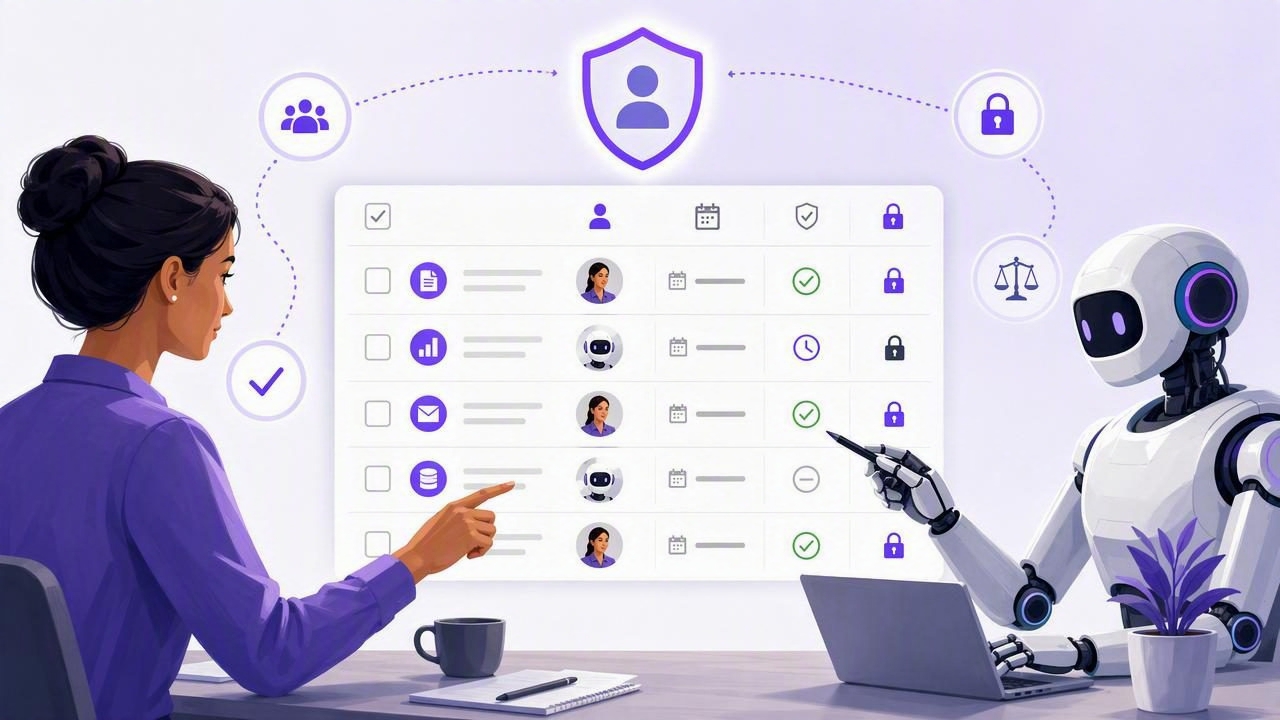
AI agents can help turn scattered requests into organized work: drafting a project checklist, identifying follow-ups from notes, breaking a goal into subtasks, or preparing a daily plan. But useful AI task management depends on more than asking an agent to “handle it.” People need a reliable way to see what was assigned, what changed, who owns the next step, and when an agent should no longer have access.
A shared human-agent task list for safer AI delegation gives both the person and the authorized agent a common operational record. Instead of treating chat messages as the work system, the task list becomes the source of truth for task names, notes, priorities, due dates, statuses, and ownership. The human stays accountable for decisions, while the agent can support structured, bounded work.
This guide explains how to design that workflow, what information each task should include, and how to delegate to AI agents without creating confusion or unnecessary access risk.
Why chat alone is not enough for AI task delegation
Chat is useful for instructions, brainstorming, and questions. It is less reliable as a lasting task record. A request such as “remind me to review the proposal next week and ask the agent to prepare the risks” can become difficult to track when it is buried among dozens of messages.
A shared task list solves several common problems:
- Visibility: A person can review every task the agent created or updated.
- Continuity: Due dates, notes, priorities, and subtasks remain available after a chat session ends.
- Clear responsibility: The task can identify what the human must decide and what the agent may prepare.
- Safer access: Agent permissions can be selected for the actual workflow rather than granting broad, permanent control.
- Better follow-through: A daily planner makes the next action visible alongside human commitments and reminders.
The goal is not to hand over accountability. AI can gather, organize, draft, and suggest. The person remains responsible for approving commitments, checking accuracy, and completing work that requires judgment or authority.
The core model: one task list, distinct roles
A productive human-agent workflow starts by separating coordination from authority. Both parties may use the same task list, but they do not need identical permissions or responsibilities.
| Role | Primary responsibility | Typical task-list activity |
|---|---|---|
| Human owner | Sets goals, makes decisions, approves commitments | Creates priorities, reviews changes, completes final actions |
| AI agent | Organizes information and performs authorized task operations | Creates drafts, adds notes, proposes subtasks, updates routine status |
| Task list | Provides the shared operational record | Stores task details, dates, priorities, notes, and progress |
This distinction prevents a common failure mode: treating every task as if an AI agent can independently decide what “done” means. An agent may be able to mark a task complete in a system, but that does not mean the underlying business, personal, or client obligation has been fulfilled. For important tasks, use explicit review stages.
Build tasks that an agent and a person can both understand
Simple to-do lists work best when every item contains enough context to be actionable without turning into a lengthy project document. For shared human-agent task management, a task should answer five questions.
- What is the outcome? Use a specific action and object.
- Who owns the final decision? State whether the agent prepares work or whether a person must approve it.
- When is it needed? Add a due date when timing matters.
- How important is it? Use priorities consistently so urgent work does not get buried.
- What context is required? Put relevant instructions, constraints, and links in task notes.
For example, compare a vague request with a structured task:
| Vague task | Safer shared task |
|---|---|
| Handle client follow-up | Draft follow-up email for Acme renewal; include open questions from meeting notes; due Tuesday; human approval required before sending |
The second version tells the agent what to prepare while preserving a clear human approval point. It also makes the task useful when viewed later on an iPhone, iPad, or Mac: the next action and the decision boundary are immediately visible.
Use subtasks to separate preparation from approval
Subtasks are especially useful for agent workflows because they turn one ambiguous item into a sequence of observable steps. A practical structure might look like this:
- Review meeting notes and identify open questions — agent
- Draft a concise follow-up message — agent
- Check factual details and tone — human
- Send approved message — human
- Record any new commitment and due date — human or authorized agent
This approach is more secure than asking an agent to “close the loop.” It limits the agent’s scope to preparation unless you deliberately authorize a broader workflow.
A concrete daily planning example
Consider a freelance designer preparing for a Thursday client review. They have meeting notes, outstanding revisions, and several internal reminders. Rather than asking an AI agent to manage the whole project, they create a focused list called “Thursday Client Review.”
The human adds one parent task:
Prepare client review agenda
Due: Wednesday, 4:00 PM
Priority: High
Owner: Human approval required
Notes: Include completed revisions, unresolved decisions,
and questions that need client confirmation.
The agent is asked to read the available task information and create a proposed breakdown. It adds these subtasks:
- Summarize completed revisions from existing notes.
- List unresolved design decisions.
- Draft agenda sections in priority order.
- Flag items lacking enough information for review.
The designer reviews the proposed tasks on their daily planner, adjusts the priority of one item, and adds a note: “Do not include budget discussion until I confirm scope.” The agent can then refine the agenda, but it should not contact the client, make a pricing promise, or represent that the agenda is final unless the human explicitly authorizes those actions.
That is the value of a shared human-agent task list: the agent can reduce administrative load, while the person retains visibility and control over decisions that carry consequences.
Choose access based on the job, not convenience
Secure delegation follows the least-privilege principle. Give an agent only the access it needs for the current task and no more. If an agent only needs to inspect tasks and provide recommendations, read-only access is generally the appropriate starting point. If it needs to create or update tasks, use write access only when that capability is necessary.
Before granting any agent access, answer these questions:
- Does the agent need to read task details, or only receive a manually supplied summary?
- Does it need to create tasks, update tasks, or merely suggest changes?
- What information in task notes could be sensitive?
- How long should access remain active?
- How will you review what the agent changed?
- What is the revocation plan when the work ends?
Do not assume that filtering tasks by a list makes that list a security boundary. A list can be a useful organizational view, but access control must be enforced through the permissions and token scope actually provided by the task system. Keep sensitive information out of task notes when it is not necessary for the delegated work.
Create an approval pattern for high-impact tasks
Not every task needs the same amount of oversight. Sorting a personal reading list is different from preparing a client deliverable, scheduling healthcare work, or updating tasks related to finances. A simple approval pattern can make delegation safer without slowing down routine planning.
| Task type | Agent role | Human checkpoint |
|---|---|---|
| Routine organization | Create categories, draft subtasks, add reminders | Periodic review |
| Time-sensitive planning | Propose priorities and schedule options | Confirm dates and commitments |
| Client or public communication | Draft content and collect context | Approve before sending or publishing |
| Sensitive or consequential work | Summarize approved information only | Review every action and decision |
A useful task label is “Draft—human review required.” This makes status clear even when the agent has completed its preparation. It also avoids a misleading “complete” state when the final approval has not happened.
Review changes as part of your daily routine
AI task management works better when review is planned rather than treated as an emergency response. Set a short daily review window to inspect tasks that were created or changed by an agent. Look for incorrect due dates, duplicated tasks, missing context, overly broad subtasks, and items marked complete too early.
A simple review checklist is:
- Are today’s due dates accurate?
- Does each high-priority task have a clear next action?
- Did the agent add assumptions that need correction?
- Are draft tasks separated from approved commitments?
- Can any active agent access be revoked now?
This review can take only a few minutes, but it preserves the main benefit of a daily planner: you see what matters now instead of relying on an agent’s summary of what it thinks matters.
Know the limitations of shared AI task lists
A shared task list improves coordination; it does not guarantee that an agent’s work is correct, complete, current, or appropriate. AI agents can misunderstand instructions, infer missing details incorrectly, create duplicate items, or use stale task context. They may also be unable to perform actions outside the permissions and integrations available to them.
For that reason, do not use task delegation as a substitute for professional judgment, legal review, financial authorization, or secure handling of confidential data. Keep credentials, private identifiers, and unnecessary sensitive details out of task descriptions and notes. Review agent output before it becomes a promise, a payment, a publication, or an external communication.
It is also important to remember that revoking access stops future use of that access; it does not automatically undo past changes an agent already made. Maintain normal review habits and task history practices appropriate to your work.
Make delegation visible, limited, and reversible
The safest AI delegation is not invisible automation. It is a visible workflow where the task list shows the work, the human defines the boundaries, and the agent receives only the permissions needed to help. Start with small, low-risk tasks such as organizing notes into subtasks or preparing a daily checklist. Expand the agent’s role only after you have a reliable review process.
For teams and individuals using MCP-compatible agents, TaskPort’s agent permission documentation describes account-scoped tokens with Read Only and Read & Write options. Whatever task manager you use, apply the same principle: choose the narrowest appropriate access, review the resulting work, and revoke access when the delegation is finished.
A shared human-agent task list is most effective when it makes responsibility clearer—not when it hides it. With well-written tasks, explicit approvals, due dates, priorities, and limited access, AI can support daily planning while people remain firmly in control of the outcomes.
