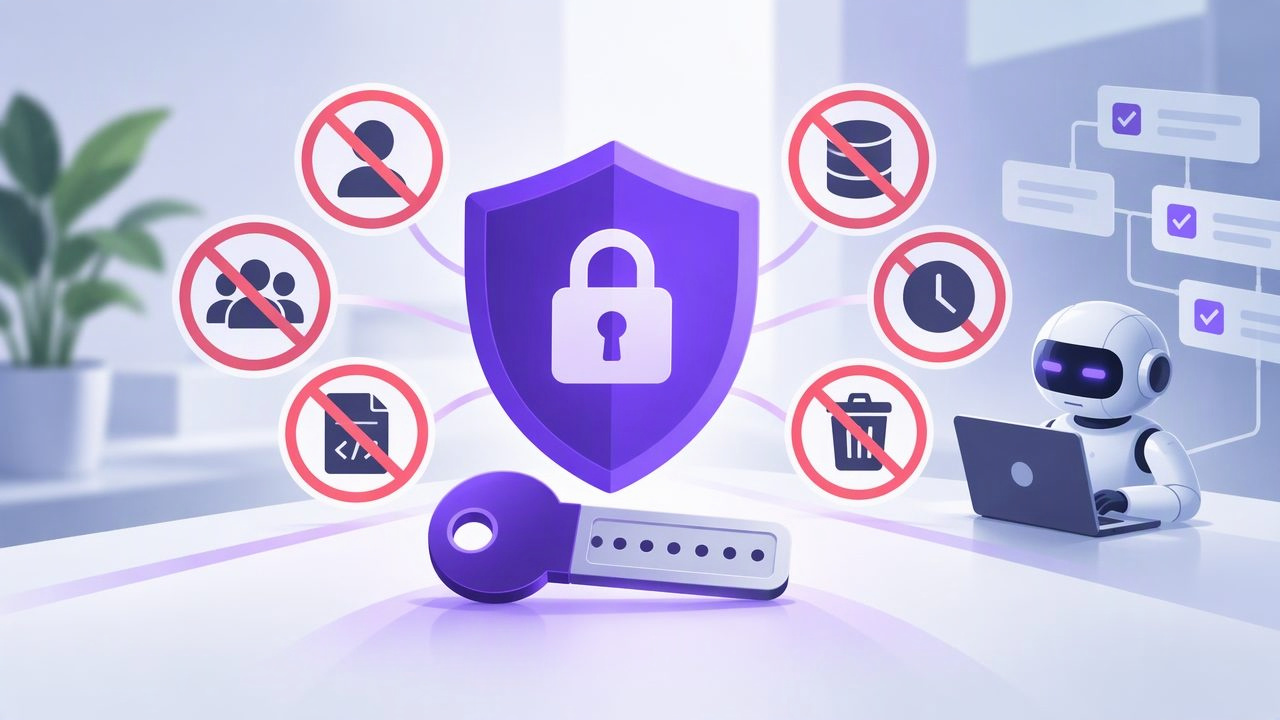
Connecting an AI agent to a task manager can make delegation more convenient, but it also gives software access to information and actions in your workspace. A token is not just a setup detail: it is a credential that determines what an authorized agent can do. Choosing the right permission, protecting the token, and understanding its scope are essential parts of safe AI task management.
Many token problems come from confusing a convenient workflow setting with a real security boundary. A filter that shows an agent one list, for example, may not prevent it from accessing other account data. The following mistakes to avoid will help you make informed decisions before connecting an agent, while it is working, and when its access is no longer needed.
First, understand what an agent token controls
An agent token authenticates an authorized AI agent to a connected service. Depending on the integration, it may allow the agent to read information, make changes, or both. In an MCP task manager, permission choices such as Read Only and Read & Write describe whether an agent can view task data or also modify it.
Those permission choices are different from filters, prompts, and instructions. A prompt can ask an agent to work on one project, but it does not change the token’s authorization. Before connecting an agent, confirm both what the token permits and what information falls within its scope.
1. Treating a list filter as a security boundary
This is one of the most important secure agent token mistakes to avoid. A list_id filter can be useful for directing a request toward a particular list. It can help keep an agent’s workflow focused. But a filter is not the same thing as authorization: it does not, by itself, restrict a token to that list.
For example, suppose an agent is asked to update follow-up tasks in a “Spring Campaign” list. Adding a filter for that list may shape which tasks a request returns. It does not prove that the token is authorized only for Spring Campaign. If the token is account-scoped, assess its access at the account level instead of assuming the filter creates per-list permissions.
Safer approach: Check the integration’s documented permission model. If an agent must be restricted to one list, do not rely on a filter unless the service explicitly documents it as an authorization control. If the available token scope is broader than the access you are comfortable granting, do not issue that token for the workflow.
2. Giving Read & Write access when reading is enough
Read and write permissions support different tasks. An agent that summarizes overdue items, finds tasks without due dates, or prepares a planning report may only need to read. Giving it write access “just in case” grants more capability than that workflow requires.
Start with the action the agent is actually expected to perform. If it only needs to inspect tasks and suggest changes in a separate response, choose Read Only when that option is available. If it must create, edit, or complete tasks, Read & Write may be needed—but understand its scope before enabling it. A request in a prompt to “never delete anything” is not a substitute for a narrower permission setting.
3. Using one token for several agents or workflows
Sharing a single token across agents can seem easier to manage, but it makes access harder to track. If one agent is used for daily planning and another for task updates, a shared credential obscures which connection is responsible for activity. It also means that ending one workflow may require changing access for the others.
Where the service supports it, use separate tokens for distinct agents or purposes, with the least permission each needs. Keep a simple record of the token’s owner, intended workflow, permission level, and creation date. Do not put the token itself in that record. This makes it easier to review access and identify which credential to revoke when an agent is retired or a workflow changes.
4. Leaving tokens in prompts, code, or logs
A token should be treated like a password. Avoid pasting it into an ordinary chat, task description, shared document, screenshot, or support message. Do not commit it to a source-control repository or include it in sample code that others may copy. Debug output and integration logs can also expose credentials if they record request headers or configuration values.
Use the secure credential storage recommended by the agent or integration you are configuring. Limit access to that storage, and avoid displaying the full token when checking settings. If a token may have been exposed, treat the incident seriously: revoke it through the documented process, then create a replacement only if the workflow still needs access. Removing a visible copy does not guarantee that every stored copy has disappeared.
5. Assuming a token is safe because the agent is trusted
Trust in an agent does not remove the need to control its permissions. Agents can receive unexpected instructions, make mistakes, or process content that was not written by you. A task note, imported message, or other text may contain instructions that conflict with your intended workflow. The token’s permissions determine what actions are technically available, regardless of what the agent was asked to do.
Reduce risk by granting only the access the task requires and keeping human review in the workflow for consequential changes. For example, an agent can identify overdue tasks and propose new due dates, while a person checks the suggestions before making updates. This is especially useful when task changes affect commitments, priorities, or other people’s work.
6. Forgetting that account scope can include more than one list
Before issuing a token, consider what information is stored across the connected account—not only in the list the agent is expected to use. Lists may contain personal reminders, planning notes, deadlines, or details about work beyond the agent’s assignment. Even if an agent’s regular requests are narrowly focused, account-scoped access should be evaluated as account-scoped access.
Imagine that a team member wants an agent to update only the “Client Follow-Ups” list while leaving personal reminders untouched. If the available token grants account-level Read & Write access, do not assume the agent is technically confined to Client Follow-Ups. If that broader access is not appropriate, choose a workflow that does not require granting it. A list filter can help target requests, but it does not change this permission limitation.
7. Skipping a test of the actual workflow
A successful connection only shows that authentication worked; it does not show that the setup matches your expectations. Test with a small, low-risk task before relying on an agent for routine planning. Check whether it can read the information it needs and whether its permitted actions match the intended workflow.
For a read-only planning assistant, a useful test is asking it to summarize a few upcoming tasks and suggest a priority order. Confirm that it provides a recommendation without changing task data. For a write-enabled assistant, test a specific, reversible change and inspect the result yourself. Do not test broad or destructive actions on important tasks. Follow the integration’s documentation rather than guessing at unsupported actions or endpoints.
8. Leaving old access active
Agent access should be reviewed when a project ends, an agent is replaced, a workflow changes, or a token may have been exposed. An unused credential can remain a security concern simply because nobody remembers it exists. Revocation is especially important when access is no longer needed or when you cannot confirm where a token has been stored.
Use the service’s documented revocation controls, and verify that the credential is no longer accepted if the documentation provides a safe way to do so. If the agent still needs access afterward, create a new token with the appropriate permission rather than continuing to use a credential that may have been shared or exposed. Update your access record so the change is clear.
A practical permission check before connecting an agent
Before an agent handles a real task, answer these questions:
- Purpose: What specific task should the agent perform?
- Permission: Can it do the job with Read Only, or does it genuinely need Read & Write?
- Scope: Is the token account-scoped? What account information could it reach?
- Filters: Are filters being used for convenience rather than mistaken for access controls?
- Storage: Where is the credential kept, and who can access it?
- Review: Which changes should a person inspect before they are made or relied upon?
- Exit plan: Who will revoke the token when the workflow ends?
These checks turn least privilege into a practical decision rather than a slogan. They also help distinguish what an agent is instructed to do from what its token technically allows it to do.
Build useful agent access without guessing
Secure AI task management depends on matching the token to the real job, protecting the credential, and understanding the boundaries the service actually enforces. Use read-only access for workflows that only need to inspect tasks, avoid sharing credentials between unrelated agents, and never mistake a list filter for per-list authorization. When a task requires broader access than you are willing to grant, pause and choose a different workflow instead of relying on prompt wording to close the gap.
For a shared task workflow, review the permission details before connecting an agent. TaskPort’s MCP permission documentation explains the relevant token permission choices and scope considerations.
