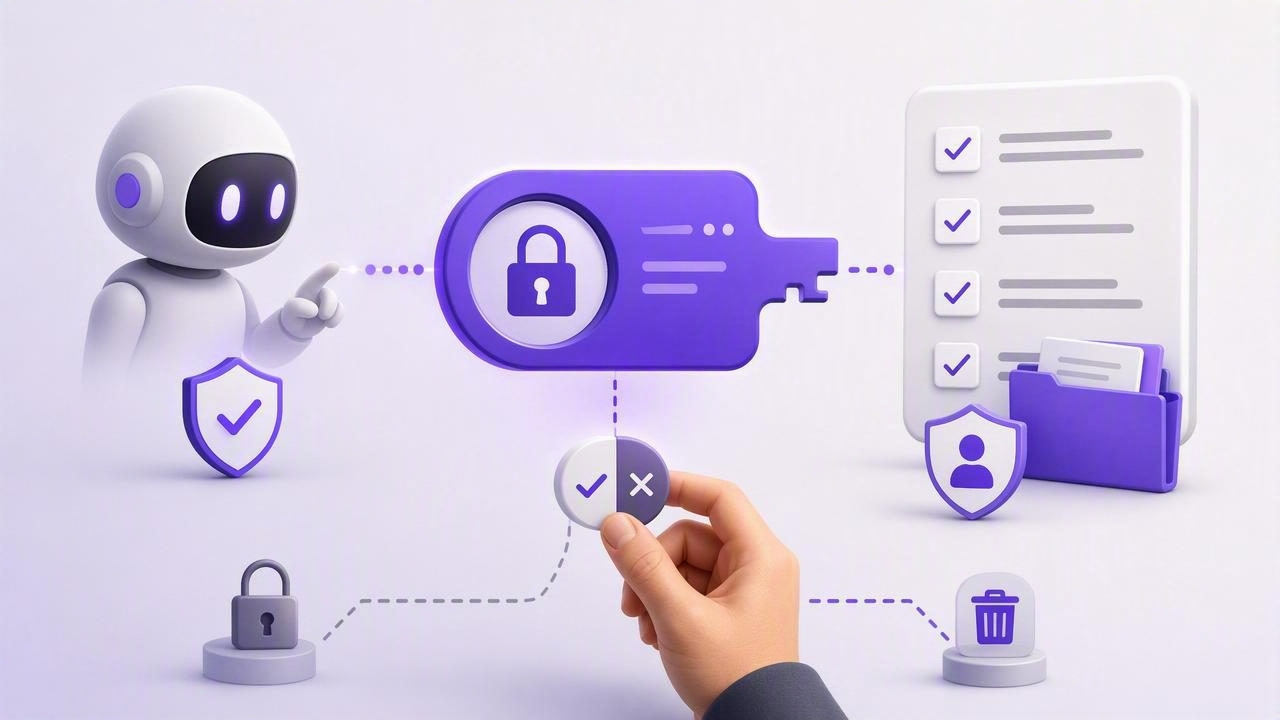
AI agents can now help people plan days, organize projects, update reminders, and complete routine task-management work. But giving an agent access to a personal or team task list raises an important question: how much access should it receive, and for how long?
Revocable MCP tokens for task lists offer a practical answer. Instead of sharing a primary account password or granting permanent, unrestricted access, users can create a separate token for each AI agent. That token can have a defined permission level, a specific purpose, and a short lifespan. When the work is done—or if anything feels wrong—the token can be revoked immediately.
This approach makes AI task management more useful without treating security as an afterthought. It supports a shared source of truth where humans remain in control of their priorities, due dates, and personal information.
What Are Revocable MCP Tokens?
MCP, or Model Context Protocol, is a standard that enables AI systems to connect with external tools and data sources. In a task-management context, an MCP connection can let an authorized agent read tasks, create items, update notes, organize lists, or mark completed work.
An MCP token is a credential that proves an agent has permission to access that connection. A revocable token is one that can be disabled without changing a user’s main account credentials or disrupting access for other tools.
Think of it as issuing a temporary key rather than handing over the master key to your house. You can decide:
- Which agent receives the key.
- Whether it can only view tasks or also make changes.
- What project, list, or workflow it supports.
- When the key should stop working.
- Whether to revoke it instantly after a specific task is complete.
This model is especially valuable when using agents from platforms such as Claude, ChatGPT, Hermes Agent, or OpenClaw. Each agent, workflow, or experiment can receive its own isolated credential rather than sharing one broad connection.
Why Task Lists Need Least-Privilege Access
A task list may look simple, but it often contains sensitive information. A daily planner can reveal client names, medical appointments, travel plans, financial deadlines, internal projects, or family responsibilities. Notes and subtasks may add even more context.
The security principle of least privilege means an agent should receive only the access required to complete its assigned work—no more. If an AI agent only needs to review overdue tasks and suggest a daily plan, it should not automatically be able to delete lists, rewrite priorities, or create dozens of recurring reminders.
| Agent task | Recommended permission | Why |
|---|---|---|
| Summarize open tasks | Read Only | The agent needs visibility, not editing power. |
| Draft a weekly plan | Read Only | Suggestions can be reviewed before changes happen. |
| Create tasks from meeting notes | Read and Write | The agent must add actionable items. |
| Update a delegated project list | Read and Write | Changes are needed, but access should be scoped to that workflow. |
| Audit due dates and priorities | Read Only | It can identify issues without modifying deadlines. |
Least-privilege permissions reduce the impact of mistakes. If an agent misunderstands an instruction, has an unexpected behavior, or is connected through an environment you no longer trust, limited access contains the problem.
Read Only vs. Read and Write Tokens
Most productive human-and-agent task workflows begin with two clear permission levels: Read Only and Read and Write. The best choice depends on whether the agent is advising or acting.
Read Only access for planning and review
Read Only tokens work well when you want an agent to analyze your workload without changing the underlying list. For example, you might ask:
- Which tasks are overdue and high priority?
- What can I realistically finish today?
- Which projects have no next action?
- Can you group these tasks into a focused morning and afternoon plan?
Because the agent cannot write data, you can freely explore recommendations. You maintain final approval by applying changes yourself.
Read and Write access for controlled delegation
Read and Write tokens are useful when the work is repetitive, well-defined, and easy to verify. An agent might turn a project brief into subtasks, add follow-up reminders after a meeting, or update the status of a routine workflow.
Write access should not mean unlimited autonomy. Give agents clear boundaries, such as: “Create tasks only in the Marketing Launch list,” “Never delete tasks,” or “Add a review label to any item you create.” A simple rule set makes later auditing much easier.
A Secure Workflow for AI Task Delegation
A reliable agent workflow is not just about generating a token. It is about matching permissions, instructions, and review steps to the actual job. Use this process when delegating work to an AI agent.
- Define one outcome. State exactly what the agent should accomplish, such as creating follow-up tasks from a meeting summary.
- Choose the smallest permission set. Start with Read Only whenever recommendations are enough.
- Create a separate token for each agent or workflow. Do not reuse one credential across unrelated tools.
- Provide structured instructions. Specify list names, due-date rules, priority rules, and tasks the agent must never alter.
- Review the result. Check created tasks, subtasks, notes, due dates, and priorities before treating the work as final.
- Revoke access when the assignment ends. A token used for a one-time cleanup should not remain active indefinitely.
This sequence preserves the benefits of automation while keeping ownership with the person responsible for the work.
Example: Delegating a Weekly Planning Session
Suppose you want help preparing for Monday. You have several project lists, a collection of personal reminders, and tasks with different due dates. You want an agent to identify what needs attention, but you do not want it to rearrange your entire system.
Start with a Read Only token. Then use a prompt like this:
Review my incomplete tasks and create a proposed weekly plan.

Rules:
- Prioritize overdue tasks and items due in the next 7 days.
- Identify tasks marked high priority.
- Group recommendations by project.
- Do not create, edit, complete, or delete any task.
- Flag any project that has no clear next action.
The agent can provide a structured plan, surface conflicts, and suggest a realistic order of work. You can then decide which recommendations become actual updates in your task manager.
If you later want the agent to create approved tasks, issue a new Read and Write token specifically for that operation. This separation prevents a planning assistant from quietly becoming an editing assistant.
When to Revoke an MCP Token
Revocation is not a sign that something went wrong. It is normal access hygiene. A token should be revoked whenever it no longer has a clear, current purpose.
- The agent completed a one-time import, cleanup, or planning assignment.
- You stopped using the agent or disconnected its environment.
- You changed the workflow and no longer need write access.
- An agent produced unexpected task edits or confusing results.
- A device, workspace, or account may have been compromised.
- You want to replace a broad token with a more limited one.
Separate tokens make revocation precise. You can disable access for one agent without interrupting another trusted workflow. This is far safer than using a single credential for every AI integration.
Common Mistakes to Avoid
Even a well-designed token system can be undermined by everyday shortcuts. Avoid these common mistakes when connecting AI agents to task lists.
- Using one token everywhere: Create a distinct token for each agent and purpose so access is easier to review and revoke.
- Granting write access by default: Begin with Read Only and upgrade only when task creation or updates are truly required.
- Leaving test tokens active: Experiments should have short-lived access and a clear cleanup step.
- Giving vague instructions: “Organize my tasks” can produce unpredictable changes. Define scope, list names, and limits.
- Skipping review: AI-created due dates and priorities should be checked, especially for client work or important reminders.
- Sharing tokens in plain text: Treat tokens like passwords. Keep them out of public documents, screenshots, and untrusted chats.
How Revocable Tokens Improve Daily Planning
Security controls can seem like extra work, but they often improve productivity. When access is intentional, you can delegate with more confidence. A Read Only planning agent can help sort a crowded inbox of tasks. A limited write-enabled agent can turn approved notes into action items. A separate project token can support a recurring workflow without exposing unrelated personal lists.
This creates a healthier division of labor: humans set goals, make judgment calls, and approve meaningful changes; agents handle structured review, task extraction, and repetitive organization. The task list remains the source of truth, while the agent becomes a controlled collaborator rather than an unchecked operator.
Good AI task management is not about giving an agent maximum access. It is about giving it the minimum access needed to create maximum useful progress.
Final Checklist for Secure AI Task Management
- Use a unique MCP token for every agent and workflow.
- Prefer Read Only access for planning, summaries, and audits.
- Use Read and Write access only for clear, reviewable actions.
- Set specific boundaries for lists, due dates, priorities, and deletions.
- Review agent-created tasks before relying on them.
- Revoke tokens promptly when work ends or trust changes.
- Periodically audit active tokens and remove anything unnecessary.
For people who want simple to-do lists and daily planning across iPhone, iPad, and Mac, tools such as TaskPort can make this model practical by supporting a shared task source of truth with separately revocable MCP access for authorized agents.
