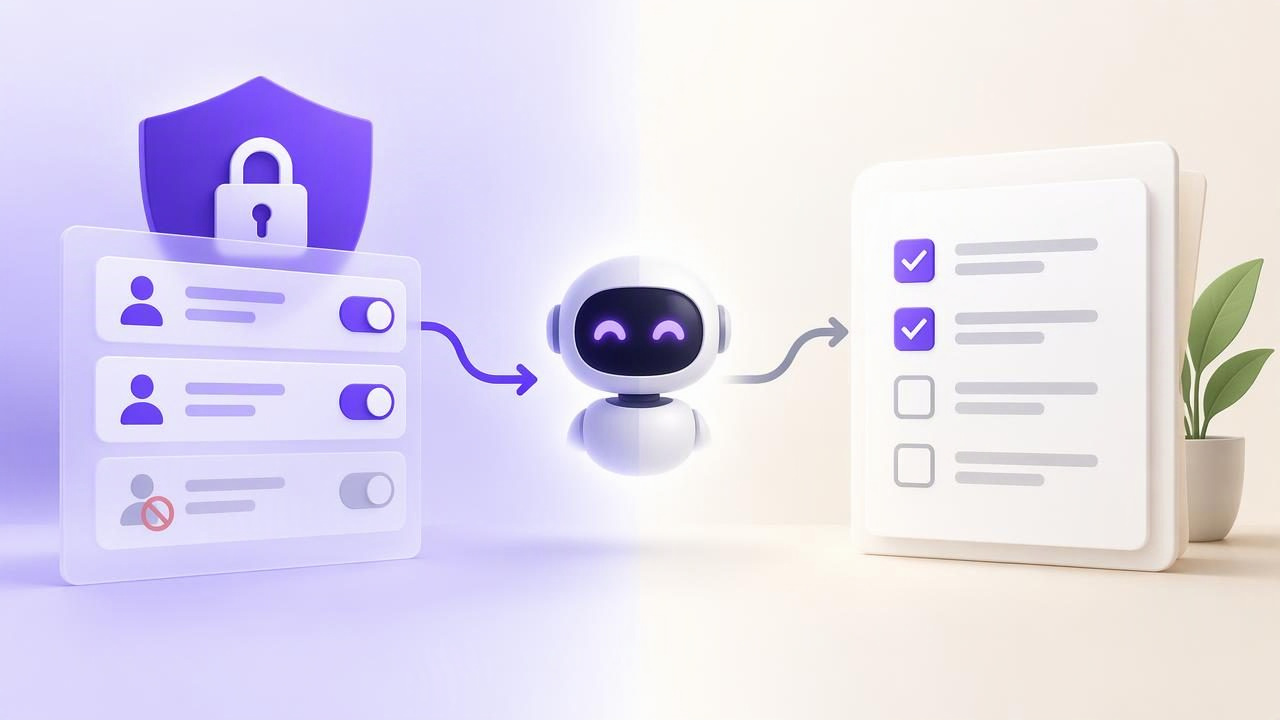
When you want an AI agent to help manage tasks, two questions quickly arise: where should the task list live, and how should the agent be allowed to access it? Comparing revocable MCP access vs. Notion task lists is not quite an apples-to-apples comparison. MCP access describes a way an agent can connect to a compatible service, while Notion task lists describe a way to organize work in Notion.
The useful comparison is between an agent connection with defined permissions and a workspace-based task workflow. Understanding the difference helps you choose a setup that supports delegation without assuming that a list filter, a prompt, or a shared page is a security boundary.
What “revocable MCP access” means
MCP, or Model Context Protocol, allows compatible AI clients and services to communicate through tools and resources provided by an MCP server. In a task workflow, an agent might be able to read task information or, if authorized, make changes. The exact actions depend on the service’s documented tools and permission model; MCP itself does not guarantee a particular set of task features.
Access is commonly controlled using a credential, such as a token. If the service supports revocation, an administrator can invalidate that credential. Future requests using a revoked token should no longer be authorized by the service. This is different from asking an agent in a prompt not to make changes: a prompt is an instruction, whereas a permission enforced by the service is a control on what requests it accepts.
Revocation has limits. It cannot undo a task the agent already edited, erase information it previously received, or recall a copy that may have been stored elsewhere. It also does not automatically revoke other credentials. Treat it as a way to stop subsequent access, not as a way to reverse past activity.
What a Notion task list represents
A task list in Notion is an organizational choice: tasks can be represented in pages, databases, or other workspace structures. That flexibility can suit teams that want tasks alongside project notes, meeting records, and reference material. It can also mean the way tasks are represented and the way an AI tool accesses them depend on how the workspace and integration are configured.
A page or database filter helps people find relevant work, but a filter should not be assumed to limit an integration’s authorization. The important question is what the connected account or integration can actually access and change. Check the current product documentation and workspace settings rather than inferring permissions from what a particular view displays.
In short, Notion can be the place where tasks are organized, while MCP can be a connection method for an agent. They may be used in the same workflow. One does not inherently replace the other, and their security properties need to be evaluated separately.
Revocable MCP access vs. Notion task lists
| Question | Revocable MCP access | Notion task list |
|---|---|---|
| What is it? | A connection and authorization approach for compatible agents and services. | A way to organize tasks within a Notion workspace. |
| What does it control? | Depending on implementation, whether a credential can make authorized requests and which permission level applies. | How tasks and related workspace information are structured and presented. |
| How should access be limited? | Use documented permission levels and issue only the access the agent needs. | Review the actual access granted to the connected account or integration; do not rely on a filtered view alone. |
| What does revocation do? | Can stop future requests made with a revoked credential if the service enforces revocation. | Changing a task view or list does not, by itself, prove that an integration’s authorization has been revoked. |
| What should you verify? | Supported tools, permission behavior, credential scope, and revocation instructions. | Workspace sharing, integration authorization, and the structure of the task data. |
The table is a decision aid, not a claim that every MCP server or Notion integration behaves identically. Names such as “read only” are meaningful only when the service enforces them as documented. Confirm the controls available in the specific product you plan to use.
A practical example: delegating a follow-up task
Imagine you have a task called “Send the revised project brief to Maya,” due Thursday, with a note that the budget section still needs review. You want an AI agent to find the task and suggest a clearer checklist, but you do not want it to change the due date or mark the work complete.
- Choose the task source. Put the task in the system your team will maintain. If you use a Notion database, make sure its fields and workspace access are understandable to both the human owner and the connected tool.
- Check the connection’s real permissions. If the agent connection offers a Read Only option, use that for a review-only request. If it only offers broader access, decide whether that level is appropriate before connecting it.
- Give a bounded request. For example: “Read the task and its notes. Suggest a three-step checklist in your reply. Do not edit the task, change the due date, or mark it complete.” This clarifies the intended work, but it does not replace access controls.
- Review the suggestion yourself. Copy the useful checklist into the task only after checking it. Keep the due date and completion state under human control if those changes need approval.
- Revoke access when it is no longer needed. Follow the service’s documented revocation procedure. Do not assume deleting a view, removing a list filter, or telling the agent to disconnect invalidates a credential.
This example also shows an important limitation: a Read Only agent may be unable to write the proposed checklist into the task, so a person must apply it. If you want an agent to edit tasks, use a permission level that allows the required actions and establish a review process for consequential changes.
How to choose the right setup
Choose a workspace-oriented task list when context matters
A workspace approach may fit when tasks need to sit beside project documents, discussions, or records that the team already maintains there. Before connecting an agent, map which pages or databases contain sensitive information and review the authorization granted to the integration. Make the task structure consistent enough that humans and agents can identify due dates, owners, and status without guessing.
Choose a permission-focused agent workflow when delegation is the priority
A task manager with documented agent permissions may be a better fit when you want an explicit distinction between reading and editing tasks. Check whether access is account-scoped or narrower, whether credentials can be separately issued and revoked, and what actions each permission level permits. Never infer that access is limited to one list just because a request includes a list identifier or filter.
Use both only when the boundaries are clear
Some teams may keep project knowledge in a workspace and use a separate task system for operational work. That can be useful, but duplicate task records create a source-of-truth problem: one copy may have a different due date or status from the other. Decide which system owns each task, how updates are reconciled, and which system the agent is authorized to access.
A safer checklist for AI task access
- Start with the smallest useful permission. Prefer reading access if the agent only needs to summarize, sort, or suggest.
- Separate credentials by agent or use case where supported. This can make it easier to identify which connection to review or revoke. Confirm the service’s actual token model.
- Do not treat prompts as enforcement. Instructions such as “do not edit” express intent; the service’s authorization controls determine which actions are permitted.
- Review data exposure, not just task visibility. An integration may be able to access more than the particular list or view you happen to use.
- Know the revocation path in advance. Locate the documented steps and understand what revocation stops—and what it cannot undo.
- Keep a human review step for meaningful changes. Dates, priorities, ownership, and completion status can affect other people’s work.
Common misunderstandings
“MCP means the agent can safely edit tasks.” No. MCP describes a protocol, not a universal security guarantee. The server, integration, credential, and configured permissions determine the available access.
“A filtered task list limits what the agent can access.” Not necessarily. A filter can shape a query or display results, but it is not automatically an authorization boundary. Verify access at the service level.
“Revoking a token erases what the agent saw.” No. Revocation can prevent future authorized requests when enforced, but it cannot retrieve information already received or reverse completed actions.
“Read Only means there is no risk.” Read access can still expose sensitive task titles, notes, deadlines, or project details. Share only what the agent needs to see.
Make the comparison about control, not labels
The core difference in revocable MCP access vs. Notion task lists is that one concerns how an agent connects and what it is allowed to do, while the other concerns how work is organized in a workspace. For a dependable workflow, assess the task structure, integration access, permission enforcement, and revocation behavior independently.
If you are evaluating a shared task manager for people and agents, review its documented scope and permissions before connecting an account. For example, TaskPort’s agent permission documentation describes its account-scoped Read Only and Read & Write token choices; a list filter is not a separate authorization boundary. That distinction is useful when deciding whether a workflow fits your need for simple task planning, agent delegation, and controlled access.
