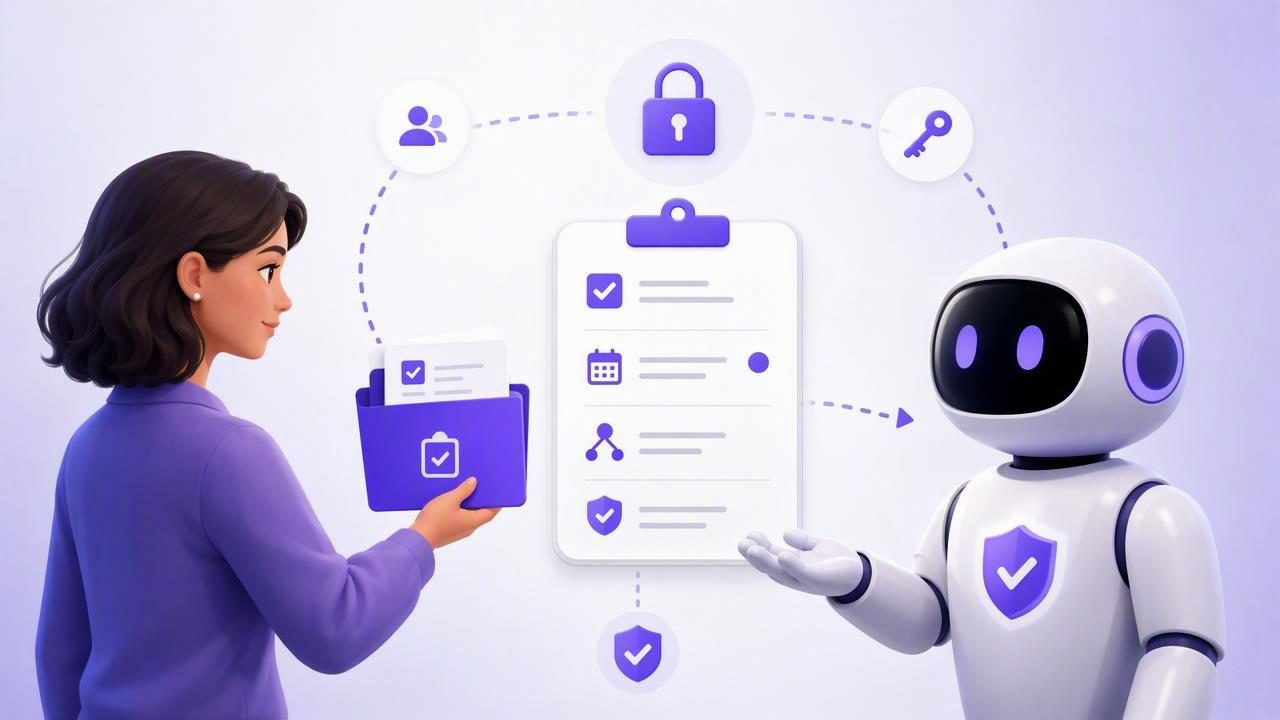
AI agents can help turn an overloaded task list into a more manageable daily plan. They can review priorities, create follow-up tasks, organize project work, summarize notes, and prepare a realistic schedule. But before an agent can help, it needs access to the right tasks—and only the right tasks.
Learning how to share tasks with an AI agent is not simply a matter of connecting a chatbot to your to-do list. A useful setup balances productivity with control. You need clear task ownership, limited permissions, defined instructions, and a way to revoke access when a workflow ends.
This guide explains how to safely share tasks with AI agents while keeping your simple to-do lists, personal reminders, and project plans organized.
What Does It Mean to Share Tasks With an AI Agent?
Sharing tasks with an AI agent means authorizing software to view or update selected items in your task manager. Depending on the permissions you grant, an agent may be able to:
- Read tasks, notes, priorities, lists, and due dates.
- Identify overdue or unassigned work.
- Create new tasks from meeting notes, emails, or project briefs.
- Break large projects into smaller subtasks.
- Reprioritize tasks based on rules you provide.
- Mark work complete after receiving confirmation.
- Prepare a daily planning summary for your review.
The important distinction is that an AI agent should not receive unrestricted access by default. A personal planner may contain sensitive information, including health reminders, financial tasks, client details, private notes, and family commitments. The agent only needs the information required to complete its assigned workflow.
Start With a Clear Use Case
Before creating any connection, decide exactly what you want the agent to do. Vague instructions such as “manage my whole life” lead to unpredictable results. Specific, repeatable assignments are safer and more useful.
Common AI task management workflows include:
- Daily planning: Review today’s tasks and suggest the three most important priorities.
- Meeting follow-up: Turn a meeting transcript into action items with owners and deadlines.
- Project breakdown: Convert a broad goal into milestones and subtasks.
- Weekly review: Find overdue tasks, duplicated items, and tasks without due dates.
- Inbox triage: Categorize newly captured tasks into work, personal, errands, or waiting-for lists.
A clear scope makes it easier to decide which lists the agent can access and whether it needs read-only or read-and-write permission.
Use Least-Privilege Permissions
The safest principle for human and AI agent collaboration is least privilege. In practice, this means giving an agent the minimum access necessary to perform a specific job.
For example, an agent preparing a weekly workload report may only need permission to read a “Client Projects” list. It does not need to see your personal reminders or have the ability to delete tasks. An agent that turns meeting notes into action items may need write access, but only to one shared project list.
| Agent workflow | Recommended access | Reason |
|---|---|---|
| Daily priority summary | Read Only | The agent can analyze tasks without changing them. |
| Weekly overdue-task report | Read Only | Reporting does not require edits. |
| Create meeting action items | Read and Write | The agent needs to add tasks and subtasks. |
| Project task cleanup | Read and Write, limited list | Useful for updating a designated project area only. |
| Personal life administration | Read Only or no access | Personal data often requires greater privacy. |
Read-only access is the best starting point when testing an unfamiliar agent workflow. Once you trust the instructions and results, you can create a separate write-enabled connection for a narrowly defined purpose.
Create Separate Tokens for Separate Agents
Many modern MCP task managers use secure tokens to connect compatible AI tools. MCP, or Model Context Protocol, provides a structured way for AI agents to interact with external tools and data sources.
Rather than sharing your account password, create a dedicated token for each agent and workflow. A token acts like a controlled key: it can be limited by permission level and revoked without affecting your main account.
For example, you might create:
- A read-only token for a Claude workflow that prepares a weekly planning review.
- A write-enabled token for a ChatGPT workflow that creates tasks from approved meeting notes.
- A temporary token for an experimental Hermes Agent or OpenClaw automation.
Separate tokens improve security and make troubleshooting easier. If one agent produces unexpected results, revoke only that token rather than disconnecting every integration.
Token management checklist
- Name each token after its agent and purpose.
- Assign only the permissions the workflow requires.
- Store tokens in a secure password manager or approved secret manager.
- Never paste tokens into public chats, screenshots, or shared documents.
- Revoke tokens that are no longer in use.
- Review active connections on a regular schedule.
Organize Tasks Before You Share Them
AI agents work better when your task system has basic structure. You do not need an elaborate productivity framework, but you do need enough context for the agent to interpret the work correctly.
Before sharing a list, use consistent task details:
- Clear task title: Start with an action, such as “Send revised proposal to Maya.”
- Due date: Add a real deadline when one exists.
- Priority: Use a small, consistent scale such as high, medium, and low.
- Notes: Include context, links, acceptance criteria, or constraints.
- Subtasks: Split multi-step work into visible, manageable actions.
- Lists: Keep personal, work, and client tasks separated.
Consider the difference between these two tasks:
Weak: “Presentation”
Useful: “Draft 10-slide Q2 client presentation; due Thursday; high priority; include budget update and launch timeline.”
The second task gives an AI agent enough information to suggest subtasks, identify urgency, and produce a practical plan without guessing.
Give the Agent Explicit Instructions
Permissions determine what an agent can do. Instructions determine what it should do. Both are necessary.
A good agent prompt defines the source list, desired output, decision rules, and limits. For instance:
Review the “Marketing Launch” list.
Read task titles, notes, priorities, and due dates.
Create a daily plan for the next five workdays.
Do not change, complete, delete, or reprioritize any tasks.
Flag missing owners and overdue high-priority items.
Return the plan grouped by day.
For a write-enabled workflow, add confirmation rules. You might instruct the agent to create subtasks but never delete tasks, change due dates, or mark work complete without explicit approval.
Clear boundaries reduce accidental changes and make the agent’s behavior more consistent over time.
Keep Humans in the Approval Loop
AI is especially helpful for preparation and organization, but important decisions should remain reviewable. This is true when tasks affect customers, budgets, compliance, deadlines, or other people’s responsibilities.
A practical approach is to use a two-step workflow:
- The agent analyzes tasks and proposes changes.
- A person reviews the proposal and approves or applies the updates.
For example, an agent can identify ten overdue tasks and recommend new due dates. However, a project manager should confirm whether the deadlines are realistic before the task manager is updated.
This approach preserves human judgment while removing repetitive administrative work. It also builds trust gradually: once a workflow has consistently produced accurate suggestions, you may choose to automate more of it.
Review Changes and Watch for Common Problems
Even a well-configured AI agent can misunderstand ambiguous notes or make assumptions that do not match your team’s process. Review agent-created tasks regularly, especially during the first few weeks of a new integration.
Watch for these common issues:
- Tasks created in the wrong list.
- Duplicate tasks from repeated meeting summaries.
- Overly broad due dates such as “today” without context.
- Priorities assigned too aggressively.
- Subtasks that are too vague to be actionable.
- Unexpected changes caused by an overly broad write permission.
If something goes wrong, pause the workflow, revoke the relevant token if needed, and refine the agent instructions. A small test list is a smart place to experiment before giving an agent access to an active project.
A Simple, Secure Setup for AI Task Delegation
If you are new to AI task delegation, start small. Create one dedicated list, such as “AI Planning Test,” and add a few non-sensitive tasks. Connect a read-only agent first, then ask it to summarize priorities and recommend next actions. Compare its recommendations with your own judgment.
Next, test a limited write workflow where the agent can add tasks but cannot delete or complete them. Once the output is reliable, expand access only where it saves meaningful time.
The best system is not the one with the most automation. It is the one that keeps your tasks accurate, your private information protected, and your daily planning process easy to trust. Native planners such as TaskPort can support this model by giving people and authorized agents a shared task source of truth with separate revocable permissions.
Final Takeaway
To share tasks with an AI agent securely, begin with a specific workflow, organize the relevant tasks, grant the least amount of access possible, and use separate revocable tokens for each connection. Start with read-only permissions, define clear instructions, and keep a human approval step for meaningful changes.
With those safeguards in place, AI agents can become practical assistants for reminders, due dates, priorities, project planning, and recurring task administration—without taking control away from the person responsible for the work.
