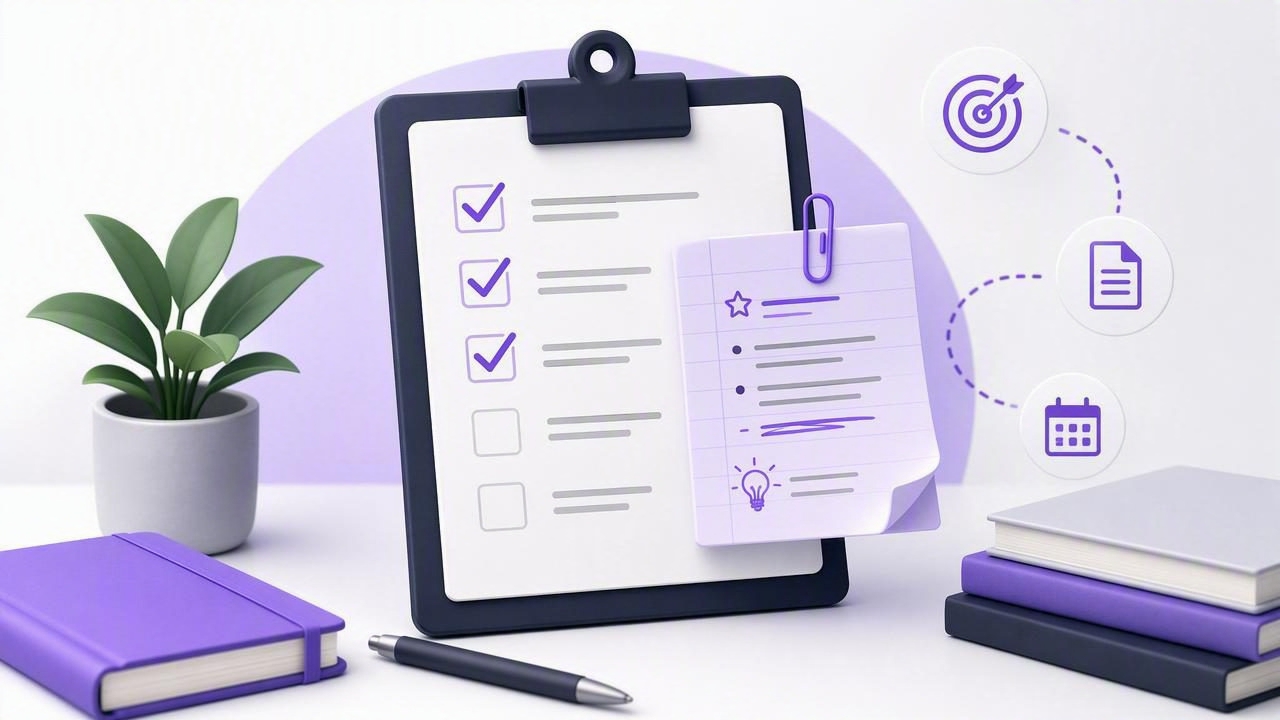
A task without context is easy to misunderstand, postpone, or complete incorrectly. You may remember that you need to “send the proposal,” “book the appointment,” or “fix the login issue,” but the details often live somewhere else: an email thread, a meeting document, a chat message, or your memory.
Learning how to keep notes attached to tasks solves this common productivity problem. Instead of scattering instructions, links, decisions, and reference material across multiple tools, you can keep the information needed to act directly beside the action itself. The result is a clearer to-do list, faster daily planning, and fewer interruptions caused by hunting for context.
This guide explains what task notes should contain, how to structure them, and how to use them effectively for personal planning, team handoffs, and AI-assisted workflows.
Why Notes Belong With Tasks
A task is an outcome or action. A note is the supporting context that makes the action possible. Both are useful on their own, but separating them creates friction.
For example, “Prepare quarterly report” is a task. The reporting period, required metrics, stakeholder comments, source links, and delivery instructions are notes. If those details are stored in several locations, you must reconstruct the task every time you return to it.
Keeping notes attached to tasks offers several practical benefits:
- Less context switching: You do not need to search email, documents, and chat before starting.
- More accurate execution: Requirements stay visible at the moment you take action.
- Better handoffs: Another person can understand the task without a separate briefing.
- Stronger accountability: Decisions, assumptions, and next steps are documented in one place.
- Improved daily planning: You can estimate effort based on the real scope, not a vague title.
In short, a task title tells you what to do. Attached notes explain how, why, when, and with what information to do it.
What to Put in Notes Attached to Tasks
Not every task needs a long brief. Simple to-do lists work best when they remain easy to scan. Add notes when the task has details you may forget, instructions another person needs, or information that would take more than a few seconds to locate.
A useful task note can include the following elements:
| Note element | What it captures | Example |
|---|---|---|
| Purpose | Why the task matters | Confirm the launch date before announcing it. |
| Instructions | The expected method or constraints | Use the approved brand template and include three pricing options. |
| Reference links | Files, pages, or source material | Brief: [link]; client folder: [link]. |
| Decision history | Important choices already made | Team agreed to launch the standard plan first. |
| Definition of done | The completion criteria | Sent to finance and acknowledged by the project owner. |
The key is relevance. A task note should help you complete the current task, not become a dumping ground for every thought related to a project.
Use a Clear Task-and-Note Structure
The best way to organize task notes is to use a repeatable structure. This reduces writing time and makes your lists easier to review on an iPhone, iPad, or Mac.
For work tasks, try this simple template:
Goal: What successful completion looks like
Context: Why this task is needed
Steps: The essential actions to take
Links: Relevant files, messages, or websites
Done when: Specific completion criteria
Here is how that might look in practice:
Task: Send revised website copy to the client

Goal: Get approval for the homepage and pricing-page updates.
Context: Feedback from Tuesday's review is included below.
Steps:
1. Apply the approved headline changes.
2. Verify pricing language with the latest spreadsheet.
3. Send the draft before 3:00 PM.
Links: Copy document; pricing sheet; meeting notes.
Done when: Client confirms receipt and review timeline.
This format gives the task enough detail to be actionable while keeping the title short and scannable.
Write Task Titles That Work With Notes
Task notes cannot rescue an unclear task title. Start with a specific, action-oriented title, then place supporting information in the attached note.
Compare these examples:
- Weak: Website
- Better: Review website feedback
- Best: Apply approved homepage feedback before client review
A strong title usually begins with a verb: write, call, review, schedule, compare, update, send, confirm, or decide. It should describe a single meaningful action. If the task requires several distinct actions, create subtasks and keep the shared project context in the parent task note.
For example, a parent task called Prepare onboarding package could hold the full brief, while subtasks handle the individual actions:
- Draft welcome email
- Create account checklist
- Schedule kickoff call
- Send onboarding package
This approach prevents duplicated notes while still making each next action visible during daily planning.
Match Note Length to the Type of Task
One reason people stop using task notes is that they try to document everything. Instead, choose a level of detail that matches the risk and complexity of the task.
Quick personal tasks
For routine reminders, use a single line. A task such as “Buy birthday gift” may only need a budget, an idea, or a store link.
Note: Budget under $40; they mentioned wanting a travel mug.
Recurring tasks
Recurring tasks benefit from a compact checklist. For example, a weekly review task can include the steps you want to repeat consistently: clear inboxes, review due dates, reschedule unfinished priorities, and identify the top three tasks for the coming week.
High-stakes or delegated tasks
Tasks involving clients, money, security, or other people need more context. Include the goal, constraints, deadline, approver, and definition of done. This makes the work easier to delegate and review.
Rule of thumb: If completing a task incorrectly would create rework, delay, or confusion, write the important context in the task note.
Connect Notes to Due Dates, Priorities, and Lists
Notes are most useful when they work alongside the rest of your planning system. A detailed task note does not replace a due date, priority, or list; it gives those fields meaning.
- Due dates answer: When must this be completed?
- Priorities answer: How important is this compared with other tasks?
- Lists answer: What area of work or life does this belong to?
- Notes answer: What do I need to know before I begin?
During daily planning, review tasks due soon and read their notes before deciding what to do. This helps prevent a common mistake: treating every due task as equally urgent when some require preparation, approval, or a dependency first.
For instance, “Submit expense report” may be due Friday, but its note may reveal that you need receipts from a colleague by Wednesday. That information turns a passive reminder into a plan with a timely next step.
Keep Notes Useful During Task Delegation
Attached notes are especially important when you delegate work. Whether the task goes to a coworker, a contractor, or an authorized AI agent, vague instructions create unnecessary back-and-forth.
Before delegating, make sure the note answers these questions:
- What is the desired result?
- What information or sources may be used?
- What constraints must be respected?
- What should the assignee do if something is unclear?
- What is the expected output and deadline?
For AI task management, clear notes also help you maintain human oversight. An agent may be able to summarize research, draft an email, or update a task when granted appropriate access, but the task note should state boundaries clearly. For example: “Draft only; do not send,” “Use these three sources only,” or “Flag anything requiring a financial decision.”
When using MCP task managers or other connected tools, follow least-privilege principles. Give an agent only the permissions it needs, use revocable access where available, and avoid placing passwords, private keys, or highly sensitive personal data in ordinary task notes.
Create a Weekly Note Cleanup Habit
Task notes should evolve as work moves forward. A note written on Monday may be incomplete or outdated by Thursday. During a weekly review, spend a few minutes checking active tasks for stale information.
Use this quick cleanup checklist:
- Remove links or instructions that are no longer relevant.
- Add decisions made during meetings or calls.
- Update the definition of done if the scope changed.
- Convert a large task into subtasks if the note has become a long project plan.
- Archive completed reference material instead of leaving it in active tasks.
This habit keeps your task list trustworthy. When you open a task, you should be confident that its notes reflect the current reality.
Make Context Available Where You Work
The ideal system makes task notes easy to capture and easy to revisit. Capture a detail on your iPhone after a call, review project notes on an iPad, and complete focused work from a Mac without losing the same source of truth.
Look for a task manager that supports task notes, subtasks, reminders, due dates, priorities, and organized lists without making everyday entry feel complicated. If you also collaborate with AI agents, consider whether access can be separated by token and permission level so agents can read or update only the tasks they genuinely need.
For people who want simple task management with shared human-and-agent workflows, TaskPort is one option designed to keep tasks and their context together across Apple devices.
Final Takeaway
The simplest answer to how to keep notes attached to tasks is to treat every task as a small, self-contained work package. Use a clear action title, add only the context needed to complete it, connect it to the right due date and priority, and update the note as new information arrives.
When the next step and its supporting details live together, your to-do list becomes more than a collection of reminders. It becomes a practical system for following through.
