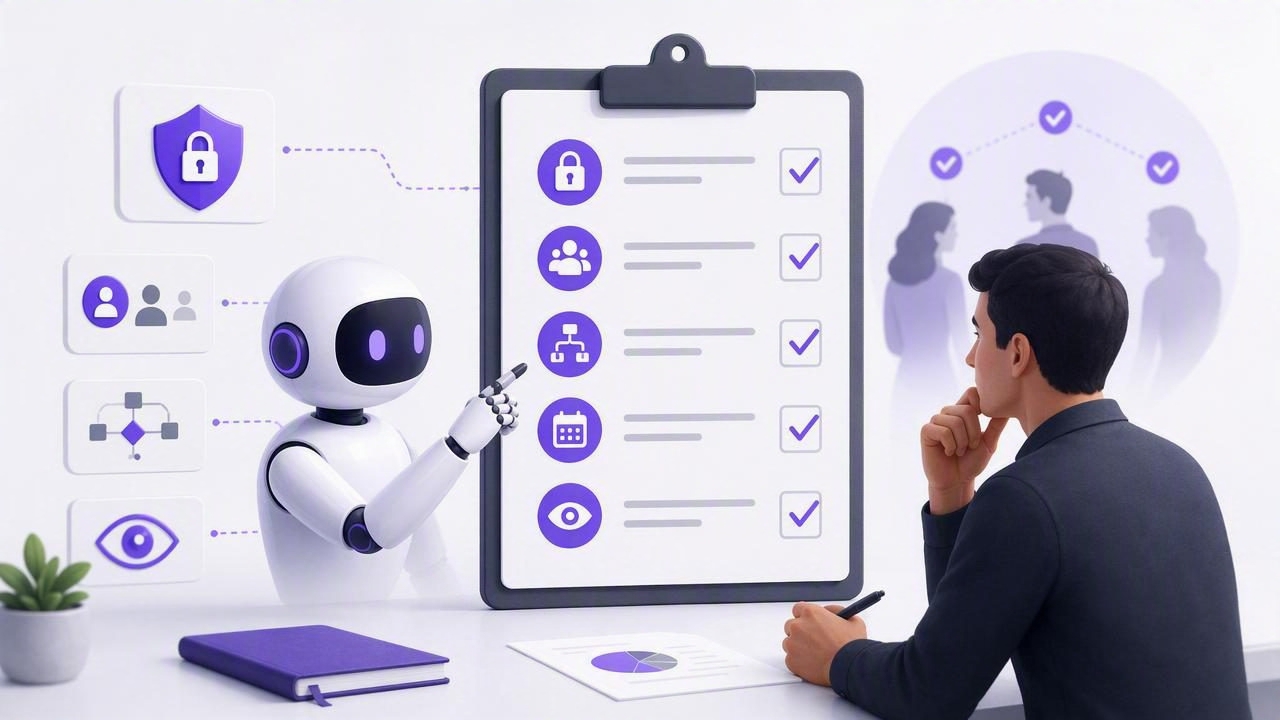
AI agents can research, draft, analyze, summarize, and execute repeatable workflows at remarkable speed. But speed alone does not create useful work. Without a reliable system for priorities, deadlines, context, and accountability, agent output can quickly become scattered across chats, documents, and disconnected automation tools.
A task manager for AI agents gives humans and authorized agents a shared operational workspace. Instead of relying on vague prompts such as “handle my tasks,” teams can give an agent access to specific lists, individual tasks, deadlines, notes, and subtasks. The result is a more structured form of AI task management: agents know what to do, humans retain oversight, and the work remains visible in one source of truth.
This guide explains the capabilities that matter most when choosing a task manager for AI agents, how to design secure agent workflows, and how to keep a simple to-do list useful as automation expands.
Why AI Agents Need a Real Task Management System
Chat interfaces are excellent for one-off requests. They are less effective for work that must persist over time. A conversation can contain plans and decisions, but it does not always provide a clear view of what is open, what is blocked, what is due today, or what an agent has changed.
A dedicated task manager adds structure that an agent can read and, when appropriate, update. This makes delegation more dependable for recurring work such as:
- Preparing a daily brief from tasks due soon
- Breaking a project into actionable subtasks
- Identifying high-priority tasks with no due date
- Drafting follow-up tasks after a meeting
- Updating task notes with research findings
- Creating a weekly review of completed and overdue work
The most valuable benefit is not that an agent can create more tasks. It is that humans and agents can coordinate around the same current information. That shared context reduces duplicate work, missed handoffs, and the need to repeatedly explain project status.
Core Features to Look for in a Task Manager for AI Agents
Not every to-do list is designed for agent collaboration. When evaluating a tool, look beyond basic task creation and focus on the data model, permission controls, and workflow clarity.
1. A clear, structured task model
Agents work best when tasks have predictable fields. At a minimum, a system should support task titles, completion status, lists, notes, due dates, priorities, and subtasks. These fields let an agent distinguish a vague idea from an actionable commitment.
For example, “Launch newsletter” is too broad for reliable delegation. A structured task hierarchy creates a clearer execution plan:
- Draft newsletter outline
- Collect product updates and links
- Write subject line options
- Request approval from the editor
- Schedule the approved email
Subtasks are especially important because they allow an agent to contribute to a larger goal without incorrectly marking the entire project complete.
2. Shared visibility across people and agents
A useful AI task management system should make changes visible to the people responsible for the work. If an agent adds a note, adjusts a due date, or completes a subtask, that activity should appear in the same task workspace the human uses.
This shared view supports practical human and AI agent collaboration. A person can set priorities and define the desired outcome; an agent can gather information, prepare drafts, or update task details; then the person can review and make final decisions.
3. Native access on the devices where work happens
Daily planning is most effective when the task list is available at the moment decisions are made. For many people, that means quick capture on an iPhone, deeper planning on an iPad, and focused project work on a Mac.
Cross-device access matters because an agent workflow should support—not replace—normal planning habits. You may capture a task on your phone, ask an agent to organize related subtasks from your Mac, and review the final plan on an iPad. The underlying task data should remain consistent throughout.
4. Support for due dates and priorities
AI agents need constraints. A task title by itself does not tell an agent whether the work is urgent, optional, blocked, or part of a longer-term objective. Due dates and priority levels give agents the context needed to make sensible recommendations.
| Task field | How it helps an AI agent |
|---|---|
| Due date | Helps identify what needs attention today, this week, or before a deadline. |
| Priority | Helps rank tasks when time and capacity are limited. |
| Notes | Provides instructions, links, decisions, and background context. |
| Subtasks | Lets the agent work on a portion of a larger deliverable. |
| Lists | Separates personal, client, workstream, or project-specific tasks. |
These details also improve daily planning. An agent can produce a useful plan only when it can see the difference between a high-priority task due today and a low-priority idea with no deadline.
Security Is Essential: Use Least-Privilege Agent Access
Giving an AI agent access to tasks should not mean giving it unrestricted access to everything. Task lists often include private reminders, client details, internal plans, or personal information. A secure task manager for AI agents should let users control exactly what each agent can do.
The strongest approach follows the principle of least privilege: grant only the minimum access required for a specific workflow. If an agent only needs to summarize upcoming deadlines, it should not be able to edit or delete tasks.
Read-only versus read-and-write access
Permission levels should match the job. Read-only access is appropriate for planning, reporting, and analysis. Read-and-write access can be appropriate when an agent is trusted to create tasks, update notes, or complete well-defined subtasks.
- Read Only: Daily agenda summaries, overdue task reports, priority audits, and project status analysis.
- Read and Write: Capturing action items, creating recurring checklists, adding research notes, and updating delegated subtasks.
Separate, revocable tokens are preferable to sharing a primary account credential. If an agent is no longer needed, or if its role changes, the corresponding token can be revoked without disrupting your own access or other workflows.
Use scoped, revocable tokens for agent workflows
Modern agent integrations may use the Model Context Protocol (MCP), a standard that helps compatible AI tools connect to external systems. With an MCP task manager, each authorized agent can receive its own token and permission level.
This model is safer and easier to manage than a single broad integration. It also creates clearer boundaries: one agent can be assigned to read a project list, while another can be allowed to add tasks to a separate operations list.
Example workflow policy

Agent: Weekly Planning Assistant
Access: Read Only
Purpose: Review tasks due in the next 7 days
Allowed action: Produce a prioritized planning summary
Not allowed: Create, edit, complete, or delete tasks
Before enabling any write access, test the workflow with a small, low-risk list. Review how the agent names tasks, applies due dates, and handles ambiguity. Automation should earn broader access through predictable behavior, not receive it by default.
Designing Effective Human and AI Agent Collaboration
The best agent workflows do not attempt to remove human judgment. They assign routine coordination work to agents while preserving human authority over priorities, commitments, and sensitive decisions.
A practical division of responsibilities often looks like this:
- Humans: Set goals, choose priorities, approve commitments, and resolve ambiguous tradeoffs.
- AI agents: Organize information, surface risks, draft task breakdowns, and perform repetitive updates within granted permissions.
For example, a marketing lead may create a task called “Prepare campaign launch.” An agent with read-only access can review notes and suggest missing milestones. After the lead approves the plan, a write-enabled agent could create the agreed subtasks with proposed due dates. The lead still reviews the resulting schedule before relying on it.
Good task delegation is explicit: define the outcome, the boundaries, the list an agent may access, and what requires human approval.
Five Practical AI Task Management Workflows
1. Daily priority review
Ask a read-only agent to identify overdue items, tasks due today, and high-priority tasks with upcoming deadlines. It can summarize the workload without changing your list.
2. Meeting-to-task capture
After a meeting, provide the notes and ask a write-enabled agent to draft action items in a designated list. Require it to use a consistent format and leave uncertain owners or dates clearly marked for review.
3. Project task breakdown
Give an agent a project outcome and relevant task notes. It can propose subtasks, dependencies, and checkpoints. Keep the initial output as a draft until a human confirms the scope.
4. Weekly task hygiene
Have an agent flag duplicate tasks, stale due dates, incomplete tasks with no next action, and tasks that lack a priority. This helps preserve the simplicity of a to-do list as projects grow.
5. Research-to-notes workflow
Allow an agent to add summarized research findings to task notes rather than creating a flood of new tasks. This keeps evidence attached to the decision or deliverable it supports.
Questions to Ask Before Choosing a Tool
Before adopting any AI-enabled task management system, use this checklist:
- Can I grant read-only and read-and-write access separately?
- Can I issue unique secure agent tokens and revoke them individually?
- Can agents work with tasks, subtasks, notes, due dates, priorities, and lists?
- Will task updates remain visible in the same workspace humans use?
- Does the tool fit my iPhone, iPad, and Mac productivity workflow?
- Can I start with a narrow, low-risk agent workflow before expanding access?
- Does it support compatible MCP-based agents when that integration is needed?
Keep the System Simple as Automation Grows
The goal of AI task management is not to create a more complicated productivity system. It is to make a simple to-do list more reliable by reducing administrative overhead. Keep lists understandable, write tasks as clear actions, use priorities sparingly, and give each agent a narrow purpose.
When humans and agents share one trusted task system, daily planning becomes easier to maintain. You can use compatible tools such as Claude, ChatGPT, Hermes Agent, or OpenClaw for appropriate workflows while keeping permissions, task context, and final accountability under your control.
For users seeking a native iPhone, iPad, and Mac approach to this model, TaskPort is one option built around shared task context and revocable MCP agent access.
