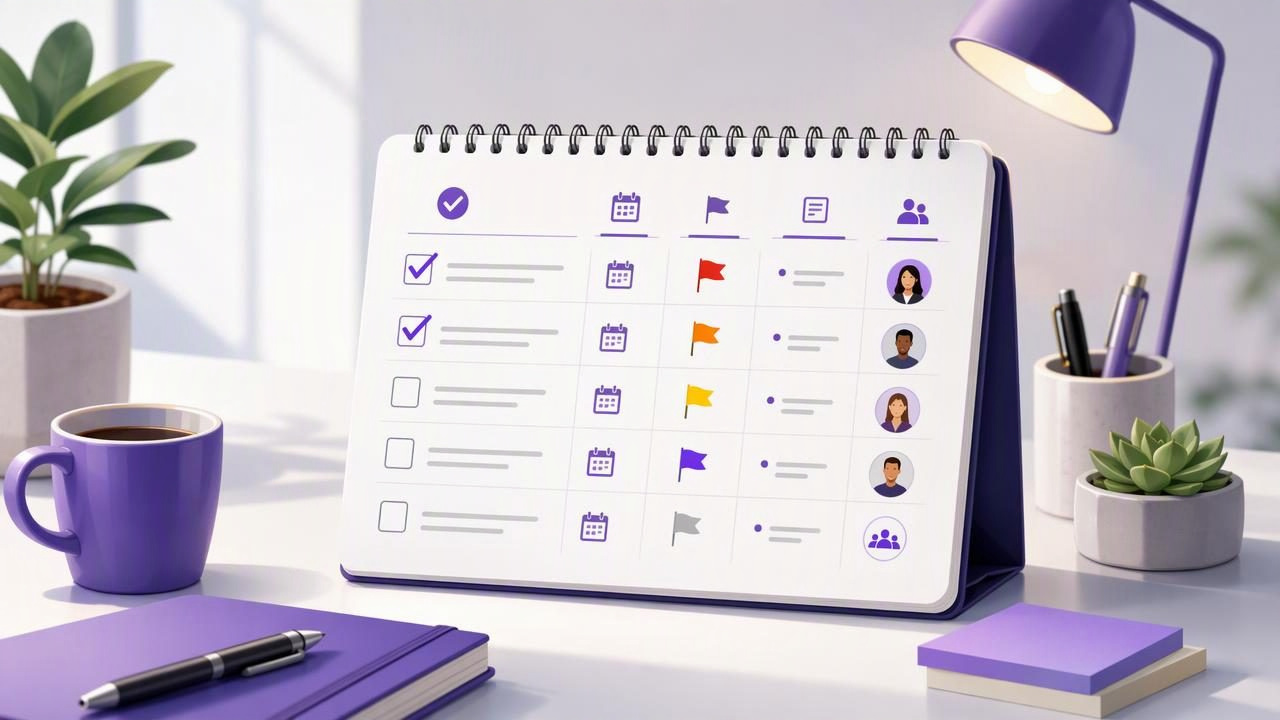
A long, unstructured to-do list can create the illusion of organization while making it harder to decide what to do next. When work tasks, personal reminders, recurring responsibilities, and delegated requests all sit in one undifferentiated list, every item competes for attention. The result is often task switching, missed deadlines, and a persistent feeling that important work is being overlooked.
A structured task list for clearer daily priorities solves that problem by adding just enough context to every task. Instead of merely writing down what needs doing, you identify its deadline, importance, next action, supporting information, and ownership. This structure turns a list of obligations into a practical daily planning system.
You do not need a complicated productivity method or dozens of categories to get started. The goal is simple: make it easy to see what matters today, what can wait, and what needs a decision before it becomes urgent.
Why an Unstructured To-Do List Creates Decision Fatigue
Consider a typical list:
- Reply to client
- Buy groceries
- Finish report
- Schedule dentist
- Review project feedback
- Plan next week
Every item is technically a task, but the list does not answer the questions that matter when you begin work:
- Which task has a real deadline?
- Which task supports a high-impact goal?
- What is the first physical or digital action required?
- Which tasks can be completed in a few minutes?
- Which items depend on someone else?
Without those answers, you must reassess the entire list every time you have a spare moment. That repeated decision-making drains attention. A structured list reduces this friction because the important information is already attached to the task.
A useful task list does not just store commitments. It helps you make the next decision quickly.
The Five Parts of a Structured Task List
For most people, a reliable task system needs five core elements: a clear task name, a list or area, a priority, a due date when appropriate, and notes or subtasks for context. Each field has a distinct purpose.
| Task element | What it answers | Example |
|---|---|---|
| Clear task name | What is the next action? | Draft the project status update |
| List or category | What area of life or work does it belong to? | Client Project A |
| Priority | How important is it relative to other tasks? | High |
| Due date | When must it be completed or reviewed? | Thursday, 3:00 PM |
| Notes and subtasks | What information or steps are needed? | Include budget, risks, and next milestone |
1. Write Tasks as Visible Next Actions
Vague tasks create hesitation. “Marketing,” “Taxes,” or “Project X” are not actions; they are topics. A better task describes a concrete outcome that can be started without additional planning.
Replace vague entries with action-oriented language:
- Instead of: Website
- Write: Review the homepage headline and send revisions
- Instead of: Team meeting
- Write: Prepare three agenda questions for the team meeting
- Instead of: Finances
- Write: Categorize last month’s business expenses
This does not mean every task must be tiny. It means the title should identify the next meaningful step. Larger initiatives can then be represented by a parent task with subtasks.
2. Use Lists to Separate Context, Not to Hide Work
Lists are useful when they reflect a meaningful area of responsibility. Common examples include Work, Personal, Household, Client Projects, Learning, and Someday. A list should help you find related tasks without forcing you to maintain an elaborate filing system.
For example, a freelance designer may use:
- Client: Northstar for active deliverables and communication
- Business Operations for invoicing, accounting, and administration
- Personal for appointments and home responsibilities
Avoid creating a new list for every minor topic. Too many lists fragment your attention and make daily planning more difficult. If a category has only one task and is unlikely to grow, a note or tag-like phrase in the task title may be enough.
3. Reserve High Priority for Work That Truly Changes the Day
Priority is most useful when it is selective. If every task is marked high priority, the label loses its meaning. Set high priority only for work with a significant consequence: an imminent commitment, a key deliverable, a critical dependency, or an action that prevents a meaningful problem.
A simple three-level system works well:
- High: Must receive attention today or has substantial consequences.
- Medium: Important work that should move forward soon.
- Low: Useful, optional, or easily deferred work.
Priorities are not a measure of personal worth or effort. They are a temporary planning tool. A task can be important in the long term but remain medium priority today because a deadline or dependency requires attention elsewhere.
How to Plan Your Day From a Structured List
The strongest task lists support a short daily review. Rather than copying every open item into a daily plan, review your complete list and choose a limited number of commitments for the day.
- Check due dates first. Identify tasks due today, overdue items, and tasks that need preparation before their due date.
- Review high-priority tasks. Ask which one or two items would make the biggest difference if completed.
- Check dependencies. Look for tasks that are blocking another person, a project stage, or an important decision.
- Choose a realistic daily focus. Select a small set of major tasks, plus a few quick administrative actions if time allows.
- Leave room for the unexpected. A fully booked task list is fragile. Meetings, messages, and urgent issues will happen.
A practical daily plan may contain three categories: one major focus task, two supporting tasks, and several optional quick tasks. This creates clarity without pretending that every open commitment can be finished today.
A Concrete Example: Turning a Messy List Into a Clear Plan
Imagine that Jordan manages a small product launch and starts with this list:
launch
email Sam
bugs
invoice
gym
meeting notes
social post
Jordan can restructure it into actionable tasks:
- High, due today: Review and prioritize the five reported launch bugs
- High, due today: Send Sam the revised launch timeline and request approval
- Medium, due tomorrow: Draft the customer launch email
- Medium: Write two social post options for launch day
- Low, due Friday: Send April invoice
- Medium: Convert meeting notes into assigned follow-up tasks
- Personal, low: Pack gym clothes for tomorrow morning
Jordan’s daily plan becomes much easier: start with bug triage, send the timeline for approval, and then draft the customer email. The other tasks remain visible, but they no longer compete equally for attention.
For the bug-triage task, notes could include links to the bug reports, while subtasks could break the work into “reproduce issue,” “assign owner,” and “confirm expected fix date.” This keeps context with the task rather than scattered across messages and documents.
Use Due Dates Carefully
Due dates are valuable when they reflect a real deadline, appointment, follow-up point, or commitment. They become harmful when assigned to every task merely to make it feel more urgent. A calendar full of artificial deadlines eventually trains you to ignore reminders.
Use a due date for:
- A deliverable promised to another person
- An appointment, bill payment, renewal, or event
- A follow-up you need to remember
- A preparation task that must happen before a fixed event
Do not use a due date simply because you hope to do something soon. For flexible tasks, priority and a regular review are often better signals. If a task remains unfinished after several reviews, decide whether to break it down, delegate it, reschedule it intentionally, or remove it.
Structure Tasks Before Delegating Them
Clear structure is especially important when another person—or an AI agent—helps manage work. A vague instruction such as “handle the launch checklist” invites assumptions. A well-structured task defines the expected result, supporting context, deadline, and any boundaries.
For example:
Task: Draft a launch-readiness checklist
Priority: Medium
Due date: Wednesday
Notes: Include product, support, legal, and communications checks.
Subtasks: Identify owners; list outstanding dependencies; flag missing information.
A human collaborator or compatible AI agent can work more effectively with this context. However, delegation does not remove the need for review. An agent may misunderstand incomplete instructions, lack access to relevant information, or create suggestions that require approval. Keep final decisions, sensitive actions, and ambiguous priorities under human oversight.
When granting an agent access to tasks, apply least-privilege permissions. Read-only access may be appropriate for reviewing a plan or identifying overdue items, while read-and-write access should be limited to workflows where the agent genuinely needs to create or update tasks. Access should also be revocable when the work ends.
Common Mistakes That Make Task Lists Harder to Use
- Using tasks as storage: Put reference material in notes, but keep the task title focused on an action.
- Creating too many priorities: More labels rarely create more clarity. Use a small, consistent system.
- Scheduling every task: Artificial dates lead to reminder fatigue and an unrealistic plan.
- Ignoring completed work: Marking tasks complete provides a clean record and prevents duplicate effort.
- Skipping weekly review: Daily planning works best when you also review projects, stale tasks, and upcoming deadlines each week.
Make Your Task List a Daily Decision Tool
The best structured task list is not the one with the most fields, categories, or automation. It is the one you trust enough to review every day. Start with clear next actions, add due dates only when they are meaningful, use priorities sparingly, and keep notes with the work they support.
If you collaborate with AI agents, a shared task system can also provide a useful source of truth—provided permissions match the task at hand and human review remains part of the workflow. For iPhone, iPad, and Mac users exploring that approach, TaskPort’s agent permission documentation explains the available account-scoped read-only and read-and-write access choices.
