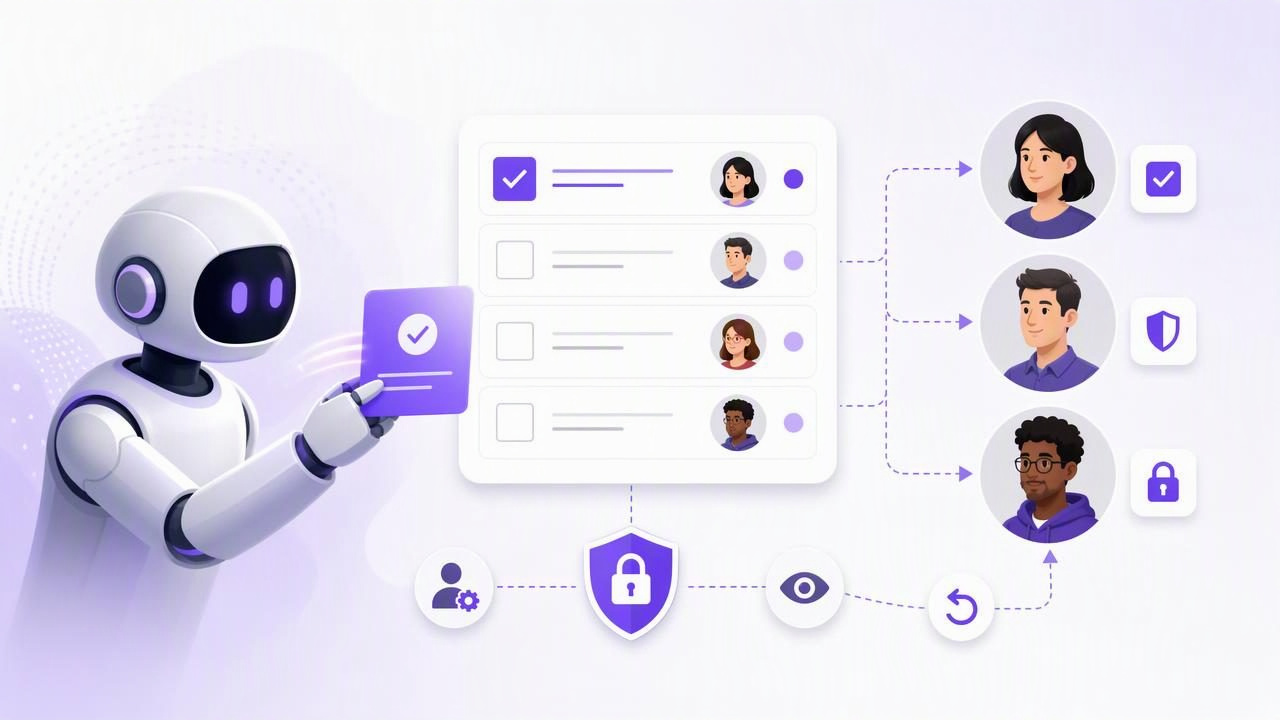
Finding the best task delegation app to let an agent create tasks is not just about choosing a to-do list with AI features. The real question is whether the app gives you a reliable, secure way to turn an agent’s output into organized work without losing visibility or control.
An AI agent can research a project, summarize a meeting, identify follow-up work, and create a structured set of tasks in seconds. That is useful only if those tasks land in the right place, include enough context, have sensible due dates and priorities, and remain easy for a human to review.
A strong AI task management workflow needs three things: a clear task structure, appropriately limited access, and a review process. This guide explains what to look for, how to evaluate an app, and how to set up a practical agent-created task workflow for daily planning.
What Makes a Task Delegation App Suitable for AI Agents?
Traditional task delegation usually involves assigning work to another person. Agent delegation is different. An agent may be able to create many tasks quickly, but it does not automatically understand your priorities, capacity, confidential boundaries, or changing plans.
The best task management setup for human and AI agent collaboration should help you answer these questions:
- Can the agent create tasks with a title, notes, due date, priority, and list?
- Can you separate what the agent can read from what it can change?
- Can you revoke its access immediately when a workflow ends?
- Can you review new tasks before they become part of your daily plan?
- Will the tasks remain available across your phone, tablet, and computer?
- Can you see enough detail to understand why a task was created?
An app does not need to automate every planning decision. In fact, a workflow that leaves final prioritization to the human is often more dependable. The agent can capture, organize, and propose work; you decide what deserves attention today.
Start With the Right Task Structure
Before granting an agent any access, make sure the underlying to-do list can hold useful task information. A vague task such as “Handle client follow-up” may be technically complete, but it is not actionable.
Useful agent-created tasks generally include:
- A specific title: Start with a clear action, such as “Send revised proposal to Maya.”
- Context in notes: Include source details, meeting decisions, links, constraints, or a short rationale.
- A due date: Add one only when there is a real deadline or an agreed review date.
- A priority: Use priorities consistently so urgent work does not get buried.
- A destination list: Keep project work, errands, personal reminders, and waiting-for items distinct.
- Subtasks where needed: Break a larger outcome into steps without turning every small action into a separate project.
This structure is especially important for AI task management. Agents can produce a high volume of output, so concise titles and attached notes help you distinguish useful tasks from duplicates, assumptions, and low-value suggestions.
Use Least-Privilege Permissions for Agent Access
The most important feature in an agent-enabled task delegation app is not task creation itself. It is permission control. An agent should receive only the access needed for the job you asked it to do.
For example, an agent that summarizes your completed work for a weekly report may need read-only access. It does not need the ability to edit tasks, change due dates, or create new lists. An agent that turns a meeting transcript into action items may need read and write access, but only for as long as that task-processing workflow is active.
| Agent workflow | Appropriate access | Human review needed |
|---|---|---|
| Summarize open tasks for a planning session | Read only | Review summary for missing context |
| Create follow-ups from meeting notes | Read and write | Review titles, owners, dates, and priority |
| Suggest a weekly plan | Read only | Approve any schedule changes manually |
| Clean up duplicate tasks | Read and write, temporarily | Check proposed merges before completion |
Look for separate, revocable credentials for each agent or workflow rather than sharing a personal account password. Revocable access gives you a clean off switch if an agent is no longer needed, a device changes hands, or you want to reset a workflow.
It is also important to understand a common limitation: filtering an agent’s requests to a particular list may help organize work, but a list filter is not necessarily an authorization boundary. Do not assume that an agent is restricted to one list unless the platform explicitly documents that restriction as a permission control.
A Concrete Example: Turning a Meeting Into Tasks
Imagine you have a 30-minute product planning meeting. You give an AI agent the meeting transcript and ask it to identify commitments, decisions, and follow-up actions. Instead of asking it to “organize everything,” give it a narrow instruction:
Create tasks only for explicit commitments made in this meeting.
Use the Project Aurora list.
Add the relevant meeting detail in each task note.
Set a due date only when the transcript states one.
Mark tasks as high priority only when a deadline or blocker is stated.
Do not complete, delete, or modify existing tasks.
The agent might create the following tasks:
- Send revised onboarding flow to design review
Note: Jordan committed to sharing the revised flow before Thursday’s review. Due: Thursday. - Confirm analytics event names with engineering
Note: Required before implementation begins; no deadline stated. - Prepare launch-risk summary for leadership
Note: Include dependency on payment-provider testing. Priority: High.
Afterward, spend a few minutes reviewing the new tasks. Check whether the agent confused a discussion point with a commitment, invented a deadline, duplicated an existing item, or gave high priority to a task that can wait. This short review is far faster than manually extracting every action item, while preserving your judgment.
Build a Review Queue Instead of Fully Automating Your Plan
For most people, the safest daily planning pattern is to treat agent-created tasks as a review queue, not as an automatic daily schedule. Your task list is a source of truth for commitments, but your daily plan should reflect realistic capacity.
- Ask the agent to create or draft tasks from a defined source, such as notes, email summaries, or a transcript.
- Review titles, notes, duplicates, due dates, and priorities.
- Clarify or edit anything ambiguous.
- Select a manageable set of tasks for today.
- Revoke write access when the delegated workflow is complete.
This approach prevents a common failure mode: an agent fills your task list with valid but poorly timed work, making the list feel overwhelming. A simple to-do list remains useful when it helps you choose what matters now, not when it records every possible action at equal weight.
How to Compare Your Options
When comparing apps for agent-created tasks, evaluate the workflow rather than relying on a broad claim that a tool is “AI-powered.” Use these practical criteria:
- Task detail: Can the agent add notes, subtasks, dates, priorities, and list placement?
- Cross-device access: Can you review and adjust tasks comfortably on iPhone, iPad, and Mac?
- Permission levels: Are read-only and read-and-write access clearly separated?
- Credential revocation: Can access be removed without changing your whole account?
- Integration method: Does the app document how compatible agents connect and what actions are supported?
- Human oversight: Does the workflow make it easy to inspect new tasks before acting on them?
For agent integrations using Model Context Protocol (MCP), documentation matters. It should clearly state what a token can access, what read-only versus write permissions mean, and how to remove access later. Avoid building an important workflow around assumptions about undocumented endpoints or permissions.
Limitations to Expect From Any AI Task Workflow
Even a well-designed task delegation app cannot eliminate the need for human judgment. Agents may misunderstand context, treat tentative ideas as commitments, miss unspoken priorities, or create overly broad tasks. They can also struggle when a task depends on information they cannot access.
Do not give an agent access to sensitive task notes unless that access is necessary for the requested work. Avoid using task creation as a substitute for project ownership: an agent can capture follow-ups, but a person still needs to decide who is responsible, what success looks like, and whether the deadline is realistic.
If you need a secure shared source of truth for people and compatible agents, TaskPort’s agent permission documentation explains its account-scoped tokens, read-only and read-and-write choices, and revocation model.
Choose Control Alongside Convenience
The best task delegation app for letting an agent create tasks is one that makes task capture faster without making your planning less trustworthy. Prioritize detailed tasks, limited permissions, revocable access, clear documentation, and a simple review habit.
When an agent handles the repetitive work of extracting and organizing action items, you can spend more attention on the work that requires human judgment: setting priorities, protecting focus, and following through on the commitments that matter.
