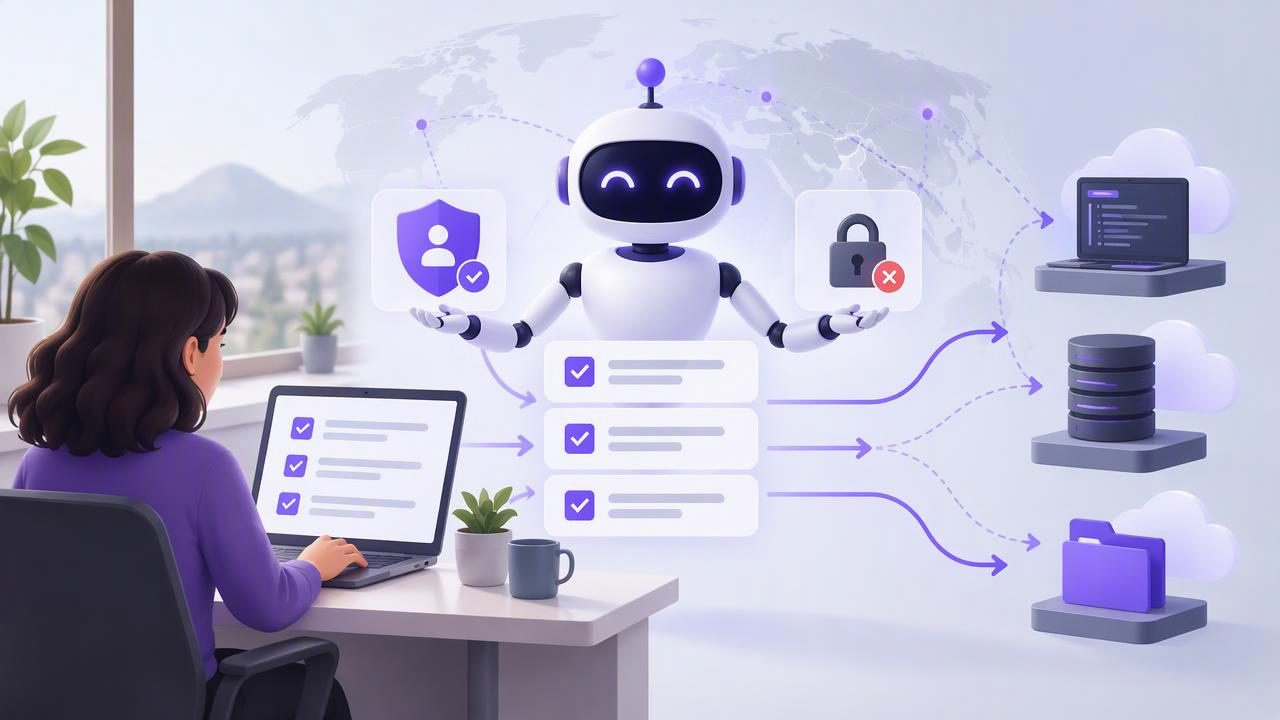
Connecting a remote AI agent to a task manager can make delegation more practical: the agent may be able to read a task, add an item, or update progress without you copying information between apps. But choosing the best AI agent task manager to connect a remote MCP agent is not just about whether a connection is possible. It is about how clearly you can limit access, review changes, and revoke credentials when the workflow ends.
MCP, or Model Context Protocol, gives compatible AI clients a way to interact with external tools. A task manager that supports an MCP workflow can serve as a shared place for human-created work and agent actions. The right choice depends on the kind of access the agent needs, how you will supervise it, and what your task app documents about its connection.
What makes a task manager suitable for a remote MCP agent?
A remote agent may run outside your phone or computer, so access is represented by credentials rather than your physical presence. That changes what matters in a task app. Look for clear, documented controls instead of relying on a vague promise that an integration is secure.
- Explicit permission levels: The product should explain whether an agent can only read information or can also make changes.
- Revocable credentials: You should be able to disable an agent’s access without changing your main account password.
- A shared source of truth: People and agents need to work from the same task details, status, and due dates rather than competing copies.
- Understandable task structure: Lists, priorities, notes, subtasks, and due dates help turn broad requests into actions that can be reviewed.
- Clear connection documentation: Use the documented setup for the task manager and your MCP client. Do not guess endpoints or reuse credentials for another purpose.
Also check whether access is scoped to an account, workspace, or individual list. These are not interchangeable. A visible list filter may help an agent focus on a subset of tasks, but it should not be treated as an authorization boundary unless the product explicitly documents it as one.
Read-only or read-and-write access?
The safest useful permission is the least powerful one that supports the job. If an agent only needs to summarize overdue items, read-only access may be enough. If it must create a draft task or update a status, it needs write access—and that introduces the possibility of unintended edits.
| Permission | Useful for | What to watch |
|---|---|---|
| Read Only | Summaries, finding relevant tasks, and planning suggestions | Task details may still contain sensitive information the agent does not need. |
| Read and Write | Creating tasks, editing details, or recording progress | Review changes and keep the agent’s instructions narrow. |
Some task managers issue account-scoped tokens with a choice of Read Only or Read and Write. In that arrangement, the permission applies to the account-level access described by the service—not necessarily to one list. If you see a list_id filter in an integration, understand it as a way to select or filter tasks, not as proof that the token cannot access other account data. Confirm the actual authorization model in the official documentation before connecting sensitive work.
A practical example: delegate research follow-up
Imagine you are preparing for a product meeting. Your task list has an item called “Review customer feedback,” with a due date, a note explaining the meeting context, and a priority. You want a remote agent to identify follow-up work and add possible tasks for your review.
- Start with the smallest relevant information. Keep the task note focused on the meeting and avoid adding unrelated personal or confidential details.
- Choose permissions for the actual job. If the agent only needs to suggest follow-ups, start with read-only access and ask it to return suggestions outside the task manager.
- Use write access only when needed. If creating draft tasks in the shared list is part of the workflow, issue a Read and Write credential only if the product supports that choice and you accept its scope.
- Give a bounded instruction. For example: “Review the customer-feedback task and its notes. Add no more than three follow-up tasks with concise titles. Do not change existing due dates or priorities.”
- Review before acting on the results. Check the new tasks for duplication, accuracy, and appropriate owners or dates. Correct mistakes and revoke access when the delegated work is complete if ongoing access is unnecessary.
This example separates the agent’s ability to propose work from your decision to commit to it. Even with write permission, a good workflow does not assume every generated task is correct. Human review is especially important when a task affects customers, finances, deadlines, or other people.
How to assess remote MCP connection safety
A remote MCP connection involves more than the task app. The client, agent hosting environment, credential storage, and task manager all matter. Before connecting, answer these questions:
- Where will the credential be stored? Follow the MCP client’s documented secret-management guidance. Avoid placing tokens in shared notes, chat messages, or source files.
- Who can use the agent environment? A token available to multiple users or processes has a wider practical audience than one kept in a controlled environment.
- What exactly can the agent change? Test the workflow with low-risk tasks and inspect the resulting changes.
- How will you end access? Know where to revoke the token, and do so if the agent is no longer needed or a credential may have been exposed.
- What does the documentation actually promise? Do not infer per-list restrictions, encryption details, or other controls that are not stated by the service.
A remote agent is not automatically unsafe, but remote operation makes credential handling and access review more important. Treat an agent token as a capability: anyone or anything that obtains it may be able to use the permissions attached to it. Separate credentials for different agents or workflows can make it easier to revoke one connection without disrupting another, when the task manager supports that approach.
Compare task managers by workflow, not feature count
A long feature list does not tell you whether an app fits your daily planning habits. For human-and-agent collaboration, assess how naturally the task manager supports a small cycle: capture work, delegate a defined action, inspect the result, and decide what happens next.
For example, someone who plans on an iPhone and reviews work on an iPad or Mac may value one consistent task list across those devices. Useful task details can include subtasks, notes, due dates, and priorities, but only if people and agents can interpret them reliably. A simple to-do list can be a better fit than a complicated workspace if the goal is to assign small, clear actions and check them off.
Ask whether the manager’s documented MCP access matches your intended client, such as Claude, ChatGPT, Hermes Agent, or OpenClaw. Compatibility and setup can vary by client and change over time, so verify the current instructions for both sides. Do not assume that support for one MCP client guarantees identical behavior in another.
Common limitations to plan around
MCP access does not make an agent a dependable project manager by itself. An agent can misunderstand a note, create a duplicate, choose an unsuitable due date, or make an edit that follows its instructions literally but misses your intent. Permissions limit what it is allowed to do; they do not guarantee that its decisions are correct.
Likewise, a list filter is not a substitute for access control, and read-only access does not necessarily mean the agent sees only non-sensitive information. If the credential has account-level scope, assume the agent may be able to read the account data covered by that permission. Keep unnecessary sensitive details out of tasks and choose read-only access where it is sufficient.
Finally, remote availability and connection behavior depend on the agent host and MCP client configuration. A task manager’s documentation can explain its own access model, but it cannot guarantee that every third-party environment stores credentials safely or remains available. Check the client’s current setup guidance and consider operational risks before making the agent part of a time-critical process.
A short selection checklist
- Does the manager document its MCP connection and permission choices?
- Can you choose read-only access when edits are not required?
- Can you revoke a credential independently of your account password?
- Is the access scope clear, including whether it is account-wide?
- Can people review the agent’s changes in the same task system they use daily?
- Have you tested a low-risk workflow and confirmed how to undo or correct mistakes?
The best option is the one that fits your real task workflow while making permission scope, supervision, and revocation understandable. A useful starting point is to let the agent read and suggest, then expand to writing only when a specific task benefits from it. TaskPort is one example of a shared task manager for Apple devices with documented MCP access; its permission documentation explains its account-scoped Read Only and Read and Write choices.
