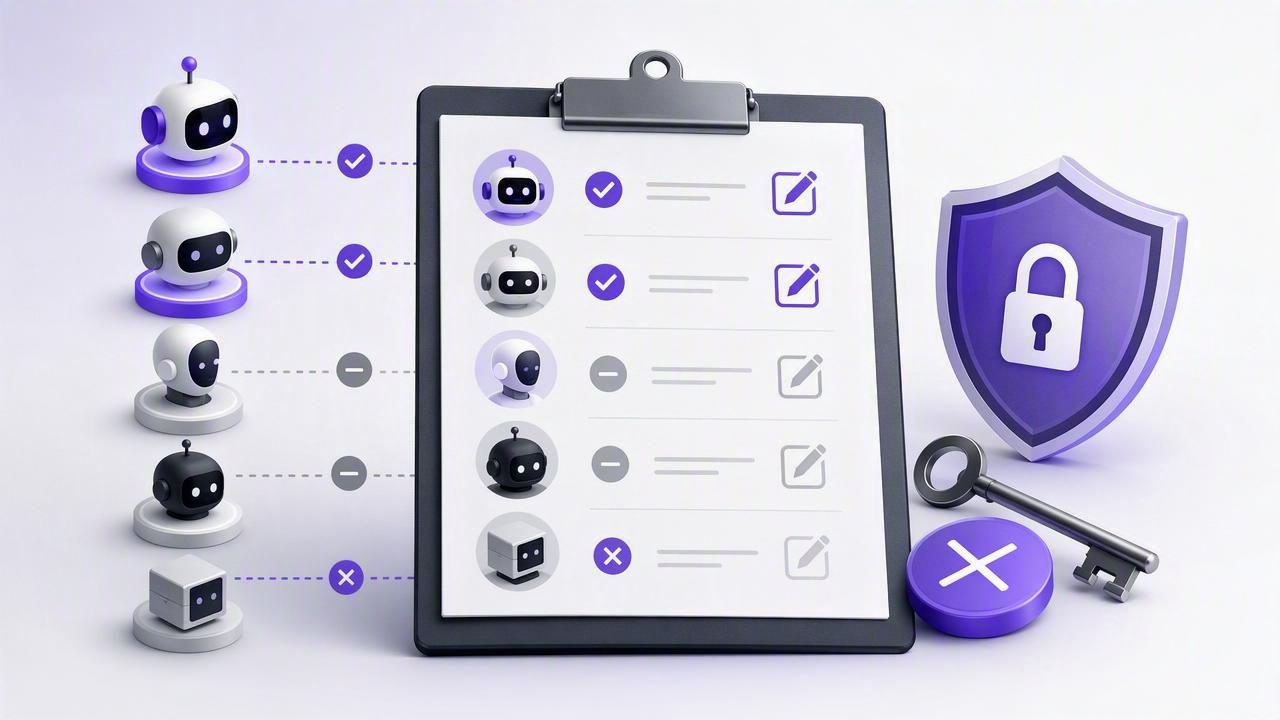
When AI agents can create, update, and complete tasks, task management becomes faster—but it also introduces an important operational question: which agent can edit which tasks right now?
For teams and individuals using MCP-enabled AI workflows, the answer should never depend on memory, old chat threads, or assumptions. You need a repeatable audit process that identifies every active agent, confirms its permission level, reviews what it has changed, and removes access that is no longer necessary.
This checklist explains how to audit which agent can edit tasks with revocable MCP access. It is designed for practical daily planning workflows where people may use agents such as Claude, ChatGPT, Hermes Agent, or OpenClaw to organize reminders, prioritize work, break down projects, or update task notes.
Why task-editing access needs regular audits
AI task management can be useful when an agent helps turn a meeting summary into action items, creates subtasks for a project, or reschedules low-priority work. However, the convenience of task delegation can become confusing when several agents have access over time.
For example, you may have:
- A planning agent that creates tasks from weekly goals.
- A writing agent that adds editorial deadlines and task notes.
- An automation agent that marks completed work after a confirmed event.
- A temporary research agent used for one project.
If each agent receives write access without a review process, it becomes difficult to determine whether an unexpected task change came from a person, a current agent, an outdated workflow, or a copied token that should have been revoked.
An audit does not mean that AI agents are inherently unsafe. It means access should follow the same principle used for any collaborator: give only the permissions needed, review them periodically, and remove them when the work ends.
Understand the difference between read and write MCP access
Before auditing agents, define what each permission level allows. In a task management context, a read-only agent can inspect task information to answer questions, summarize workload, or identify deadlines. A read-and-write agent can generally make changes, such as creating tasks, editing details, changing due dates, updating priorities, adding notes, or completing items.
| Permission level | Appropriate uses | Main risk to review |
|---|---|---|
| Read Only | Daily agenda summaries, workload analysis, deadline questions | Unnecessary exposure of task titles, notes, and planning details |
| Read & Write | Creating delegated tasks, updating approved plans, completing confirmed work | Unwanted edits, duplicate tasks, changed dates, or premature completion |
Use read-only access whenever an agent only needs to advise, analyze, summarize, or suggest. Give write access only when the workflow genuinely requires the agent to take action inside the task list.
The audit which agent can edit tasks checklist
Run this checklist whenever you add a new agent, finish a project, change an agent workflow, or conduct a regular monthly review. A short audit is much easier than reconstructing task changes after something goes wrong.
1. Build an active-agent inventory
Start with a simple record of every agent that has been given MCP credentials. Do not limit the inventory to agents you use every day. Include experiments, temporary integrations, old automations, and agents used by another authorized collaborator.
For each entry, record:
- Agent name and platform
- Human owner responsible for the agent
- Purpose of access
- Token creation date
- Permission level
- Whether the agent still needs access
- Planned review or expiration date
A minimal inventory can look like this:
Agent: Weekly Planning Assistant
Owner: Morgan
Purpose: Create tasks from approved weekly goals
Permission: Read & Write
Created: March 4
Next review: April 4
Status: Active
The purpose field is especially important. “General productivity” is too broad to audit effectively. “Create tasks from approved weekly goals every Monday” is specific enough to evaluate.
2. Identify every agent with write permission
Next, filter your inventory for agents with Read & Write access. These are the agents that can edit tasks and therefore deserve the closest review.
For each write-enabled agent, ask:
- What exact task changes is this agent expected to make?
- Does it need to create tasks, edit existing ones, or mark items complete?
- Does it need write access continuously, or only for a short project?
- Would read-only access work if a human applies its recommendations manually?
- Who notices if the agent creates an incorrect task or changes a due date?
If you cannot explain why an agent needs write access in one or two clear sentences, downgrade it to read-only or revoke the token while you reassess the workflow.
3. Check the scope of the token, not just the intended workflow
A frequent mistake is assuming that an agent is technically restricted simply because you told it to use a certain list or project. Instructions are helpful, but they are not an authorization boundary.
In particular, if an MCP task system uses account-scoped tokens, a list_id filter may help an agent focus on one list but does not necessarily prevent access to other task data. Treat filters as workflow guidance unless the product explicitly documents them as security controls.
This distinction matters when your account contains sensitive personal reminders, client deliverables, hiring plans, health-related tasks, or financial follow-ups. An agent should not receive read or write access merely because it is convenient for one narrow list.
4. Compare agent permissions with current business need
Least-privilege permissions are not a one-time setup decision. Needs change. A research agent may need access for three days. A project-planning agent may need it for a month. A daily review assistant may only need read-only access indefinitely.
Use this decision guide:
- Keep access: The agent has an active, documented job and its current permission level is necessary.
- Downgrade access: The agent still provides value but no longer needs to modify tasks.
- Rotate access: You want a fresh token after a workflow, device, or ownership change.
- Revoke access: The project ended, the agent is no longer used, or the token’s purpose is unclear.
Revocation is often the simplest choice for temporary work. If the agent is needed again later, create a new token based on the new task—not on an old assumption that access should remain permanent.
5. Review recent task changes for anomalies
Your access audit should include a task-level review. Look through recently created, edited, rescheduled, and completed tasks. Compare changes against the agent’s documented purpose.
Potential warning signs include:
- Tasks appearing in unrelated lists or projects.
- Large groups of duplicate tasks.
- Due dates moved without an approved scheduling reason.
- High-priority tasks being downgraded unexpectedly.
- Tasks marked complete when the underlying work is still open.
- Notes replaced, shortened, or overwritten by generic summaries.
Not every unexpected change is a security issue. An agent may have misunderstood an instruction, received incomplete context, or followed an outdated automation rule. The point of the review is to catch the discrepancy early, correct the task data, and adjust the workflow before errors accumulate.
6. Test revocation as an operational control
A token is only meaningfully revocable if you know who can revoke it and when to do so. During your audit, verify that the account owner can identify the relevant credential and remove it promptly.
Create a simple response rule: if an agent makes an unapproved edit, pause the workflow, revoke or disable its access, review affected tasks, and then decide whether a replacement token with a narrower purpose is appropriate.
Practical rule: Do not wait for certainty before stopping write access. Revoke first when a task-editing workflow behaves unexpectedly, then investigate with the pressure removed.
Concrete example: auditing a weekly planning agent
Imagine you use an agent every Monday to convert approved goals into a weekly plan. It creates tasks, adds subtasks, assigns due dates, and sets priorities. That workflow may justify Read & Write access—but only for a clearly defined reason.
During the audit, you find that the agent’s documented role is “create tasks from a weekly planning note.” You then review last week’s changes and notice it also rescheduled several existing client tasks and marked two items complete. Those actions were outside its stated purpose.
The appropriate response is not necessarily to abandon automation. Instead:
- Correct the affected tasks and confirm the real status with the responsible person.
- Revoke the existing write token to stop further unexpected edits.
- Change the workflow so the agent only creates draft tasks from the approved planning note.
- Use read-only access if a human will review and apply the proposed schedule.
- Create a new write token only if automatic task creation remains necessary.
This approach preserves the useful part of AI task delegation while reducing the chance that an agent quietly changes work it was not meant to manage.
Limitations to keep in mind
An access audit cannot guarantee that every future agent action will be correct. AI agents can misunderstand natural-language instructions, work from incomplete information, or produce task structures that need human review. Revocable MCP access reduces exposure; it does not replace clear instructions, task review, and accountable human ownership.
Likewise, a list filter, prompt instruction, or agent label should not be treated as a substitute for permission design. If a token is account-scoped, plan accordingly and avoid granting access to agents that do not need to see or edit your broader task environment.
Make the checklist part of your planning routine
The strongest AI task management workflows are easy to explain: each agent has a named purpose, the minimum necessary permission, a responsible human owner, and a clear path to revocation. Add this checklist to your monthly planning review, alongside your priorities, due dates, and recurring reminders.
For teams using an MCP-connected planner, TaskPort’s agent permission documentation explains the available Read Only and Read & Write token choices and the importance of managing them carefully.
