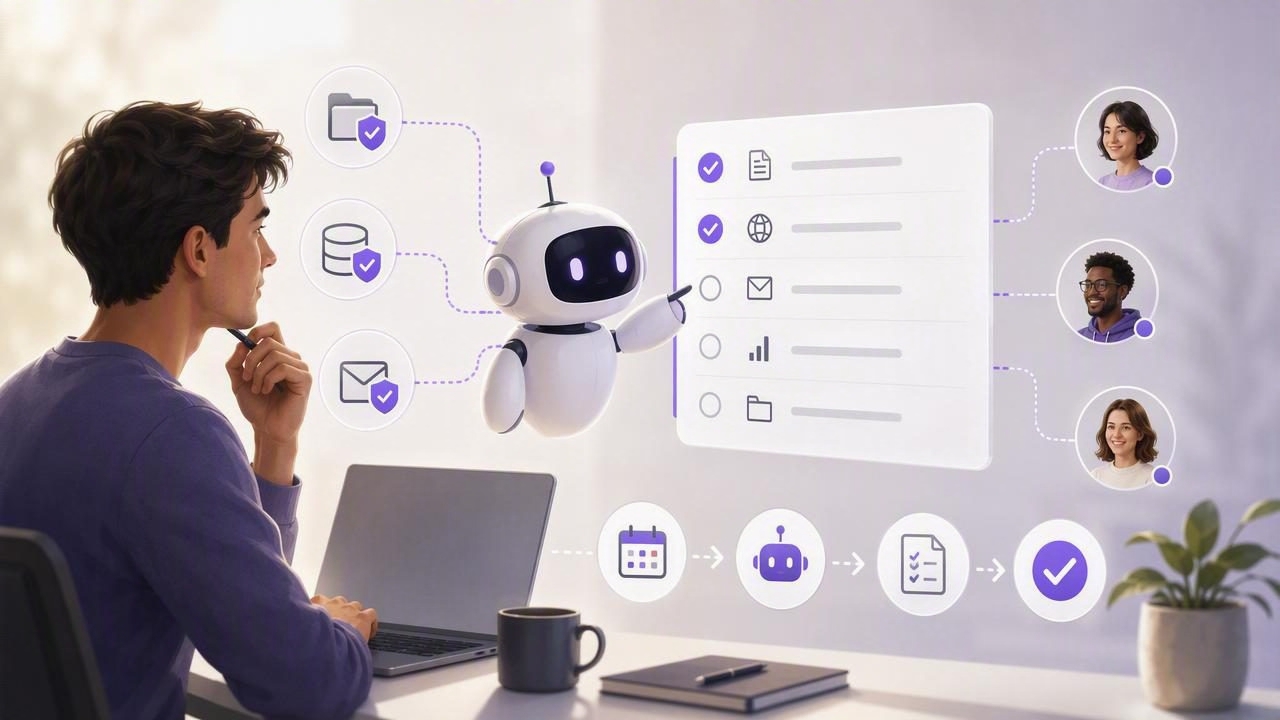
Claude can help you think through projects, draft plans, summarize research, and turn vague ideas into clear next steps. But there is a major difference between receiving a helpful list in a chat and having work reliably captured, prioritized, scheduled, and completed.
That is where an AI agent task manager for Claude users becomes useful. Instead of treating an AI conversation as a temporary workspace, you can connect Claude-compatible agents to a structured task system that holds tasks, subtasks, notes, due dates, priorities, and lists.
The goal is not to hand over your entire life to an AI. It is to create a practical shared workspace where you remain in control while an agent can help organize work, identify follow-ups, and update tasks within clearly defined permissions.
This guide explains what to look for, how secure agent task management works, and how to build a productive daily workflow across iPhone, iPad, and Mac.
Why Claude Users Need More Than a Chat-Based To-Do List
A chat is excellent for planning. You can ask Claude to break a project into milestones, turn meeting notes into action items, or suggest an order of operations. However, chat alone is not designed to be a dependable task database.
For example, after discussing a product launch, you may leave the conversation with ten action items. A week later, you still need answers to important questions:
- Which tasks are due this week?
- Which items are blocked by someone else?
- What is the highest-priority next action?
- Did the follow-up tasks from yesterday get created?
- Can an AI agent safely update only the launch plan without accessing personal reminders?
A dedicated task manager gives those answers a stable home. It separates thinking about work from tracking work. When an AI agent can access that system through a controlled integration, it can turn planning into action while keeping the human accountable for final decisions.
What an AI Agent Task Manager Actually Does
An AI agent task manager is a task system that lets authorized agents read or update task data. The useful part is not merely AI-generated task suggestions. The value comes from connecting agents to a source of truth that has meaningful structure.
At a minimum, that shared workspace should support:
- Tasks and subtasks for breaking larger outcomes into executable work.
- Lists or projects that separate work, personal, client, and team responsibilities.
- Due dates and reminders for time-sensitive commitments.
- Priorities so urgent work does not get buried under low-value tasks.
- Notes and context that explain what “done” means.
- Controlled agent access so every integration has only the permissions it needs.
With this foundation, Claude can be used as a planning and coordination layer. An authorized agent might review an assigned project list, flag overdue tasks, create subtasks from approved meeting notes, or prepare a daily briefing based on your current priorities.
From Conversation to Action: A Simple Workflow
The most effective workflows are usually simple. Avoid automating everything on day one. Start with one repeated process where task capture or task review is currently inconsistent.
Example: Turn a Weekly Planning Session Into an Action Plan
- Discuss goals, constraints, and deadlines with Claude.
- Ask for a proposed list of outcomes and next actions.
- Review the plan yourself and remove anything unnecessary.
- Allow an authorized agent to create the approved tasks in a specific project list.
- Assign due dates, priorities, and notes before the workweek begins.
- Use a short daily review to confirm what changed and what needs attention.
The key step is review. AI can accelerate task decomposition, but it cannot fully know your capacity, dependencies, professional judgment, or changing priorities. A good workflow keeps the person responsible for approving commitments.
Useful principle: Let AI create clarity and reduce administrative overhead, but let humans own priorities, commitments, and final task decisions.
Using MCP for Claude Task Management
Many AI agent integrations use the Model Context Protocol (MCP), a standard that enables AI applications to connect with external tools and data sources. In task management, an MCP server can expose carefully defined capabilities, such as listing tasks in a project or creating a task with a due date.
For Claude users, this can make task management more conversational without making the task system unstructured. Rather than copying information between windows, you can ask an agent to retrieve current tasks, identify gaps, or update an approved plan.
A well-designed MCP task manager should make capabilities explicit. For example, an agent may be able to read tasks in one list but not create tasks, access other lists, or modify completed work.
Example request:

“Review the tasks in my Website Launch list.
Show overdue items first, identify tasks with no due date,
and suggest the three most important actions for today.
Do not make changes.”
This is a strong first use case because it is read-only. You get useful analysis while preserving full control over task updates.
Read-Only vs. Read-and-Write Agent Permissions
Permission design is one of the most important factors in AI task management. Not every agent needs the ability to edit your tasks. In fact, most agent workflows should begin with read-only access.
| Permission Level | What an Agent Can Do | Best Use Cases |
|---|---|---|
| Read Only | View tasks, lists, dates, notes, and priorities | Daily briefings, project reviews, status summaries, finding overdue work |
| Read and Write | Create, edit, complete, or reorganize authorized tasks | Approved task capture, recurring workflow updates, converting notes into tasks |
Read-only access is ideal when you want Claude to act as an analyst. It can answer questions such as, “What should I focus on today?” or “Which client deliverables are at risk?” without changing anything.
Read-and-write access can save more time, but it should be reserved for narrow, predictable workflows. For instance, you may authorize an agent to add action items to one inbox list after you approve a meeting summary. That does not mean the same agent should be able to edit every task across your account.
Why Least-Privilege Access Matters
Least privilege means granting only the minimum access required to complete a task. This security principle is especially important when AI agents are involved because agents can act quickly, process large amounts of information, and follow instructions that may not always reflect your intent.
Secure agent tokens make least privilege practical. Instead of sharing a main password or granting unlimited access, create separate revocable tokens for separate agents and workflows.
For example, you might create:
- A read-only token for a Claude daily-planning assistant.
- A read-and-write token for an agent that adds approved meeting follow-ups to a shared work list.
- A separate token for an experimental automation that only accesses a test project.
If an agent is no longer needed, its token can be revoked without disrupting your other tools. This approach is safer than using one all-powerful credential across every integration.
A Practical Permission Checklist
- Give each agent its own token rather than reusing credentials.
- Start with read-only access whenever possible.
- Limit write access to well-defined lists or workflows.
- Review active tokens regularly and revoke unused ones.
- Keep sensitive personal or confidential projects separate from general task lists.
- Check agent-created tasks during the first few weeks of a new workflow.
Daily Planning With Human and AI Agent Collaboration
The best AI task workflows fit into a real daily routine. You do not need a complicated automation system. A five- to ten-minute planning habit can be enough.
Morning Review
Ask an agent to summarize tasks due today, overdue items, and high-priority work. Then decide what you will actually commit to. If your list contains twenty urgent tasks, the problem is not a lack of AI—it is a lack of prioritization.
Midday Reset
When plans change, update the task system instead of relying on memory. An agent can help identify which tasks should be rescheduled, delegated, or broken into smaller actions.
End-of-Day Shutdown
Review completed work, capture loose ends, and prepare tomorrow’s first task. This is a useful time for an agent to create a concise summary, but you should confirm that task statuses and dates reflect reality.
Common Mistakes to Avoid
AI task management works best when it reduces friction instead of adding another layer of complexity. Avoid these common mistakes:
- Giving broad write access too early: Test with read-only analysis first.
- Automating unclear processes: If you cannot explain the workflow, an agent cannot reliably improve it.
- Skipping task context: A title such as “Send proposal” is less useful than notes describing the client, scope, and deadline.
- Ignoring due dates and priorities: AI recommendations are only as useful as the task data it can see.
- Using chat as the only record: Important commitments should live in your task manager, not disappear into conversation history.
Choosing a Task System for Claude-Compatible Agents
When evaluating a task manager for AI agents, look beyond AI features alone. The core task experience still matters. Your system should be fast enough for everyday capture, clear enough for daily planning, and available wherever you work.
Look for native support across iPhone, iPad, and Mac, strong organization for simple to-do lists and larger projects, dependable reminders, and transparent controls for authorized agents. Most importantly, choose a system that treats agent access as a permissioned collaboration model rather than an all-or-nothing connection.
TaskPort is one example of a native task and daily planning workspace built around shared human and authorized AI agent task data, with separate revocable MCP tokens for read-only or read-and-write workflows.
Final Thoughts
An AI agent task manager for Claude users is not about replacing your judgment with automation. It is about making good intentions operational. Claude can help you clarify goals, spot overlooked work, and maintain momentum; a structured task system ensures those insights become visible, prioritized commitments.
Start small: use read-only access for a daily review, establish a single trusted task list, and add write permissions only after you have a workflow you can confidently audit. With clear task data, thoughtful permissions, and regular human review, AI agents can become helpful collaborators rather than another source of digital noise.
